
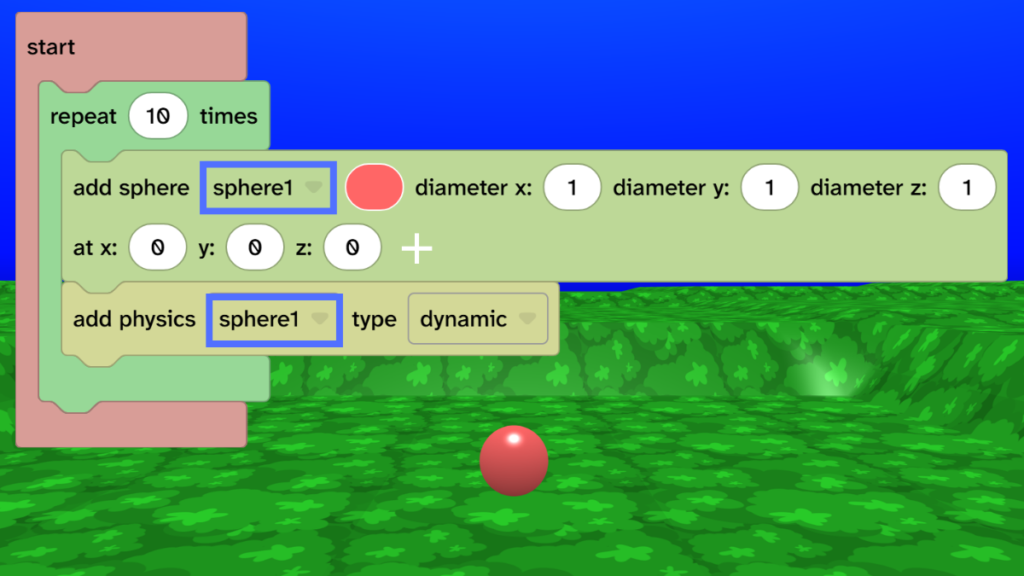
Add 10 spheres with dynamic physics
- From Events, drag the ‘start’ block into the code area.
- From Control, drag the ‘repeat 10 times’ block inside the ‘start’.
- From Scene, choose Object and drag the ‘add sphere’ block inside the ‘repeat 10 times’ block.
- From Transform, choose Physics and add the ‘add physics’ block under the ‘add sphere’ block.
- Debug: Check that the name of your sphere is used in the ‘add physics’ block.
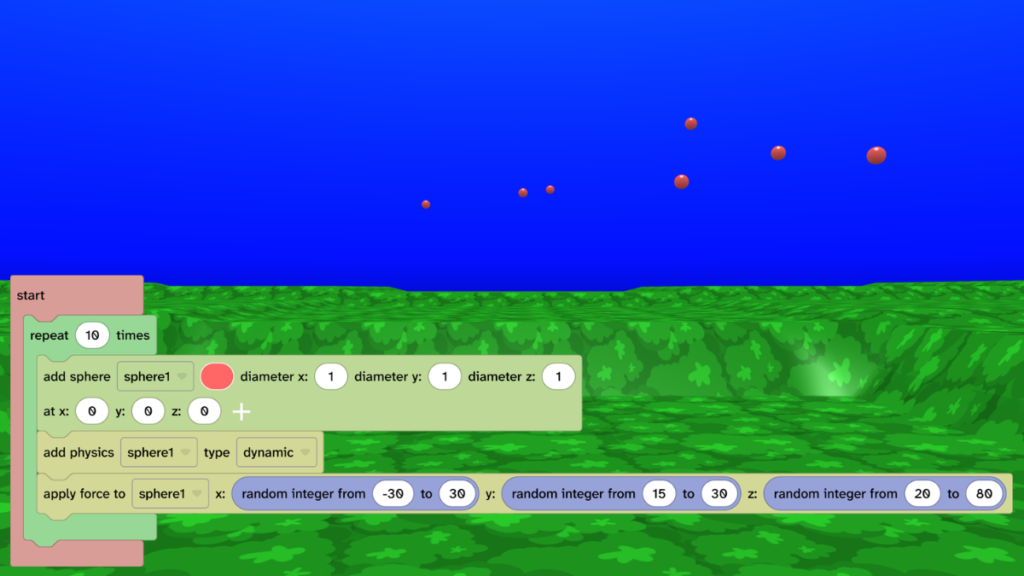
Launch 10 spheres using random forces
- From Transform, choose Physics and drag the ‘apply force to’ block under the ‘add physics’ block.
- From Math, add the ‘random integer from to’ block onto the x, y and z values.
- Set x to -30 to 30. This applies a force from left to right.
- Set y to 15 to 30. This applies a force upwards.
- Set z to 20 to 80. This applies a force into the distance.
- Press Play ▶️ to test. You should see 10 sphere launch in different directions.
Set the alpha of the spheres to 0
- From Materials, drag the ‘set alpha of’ block under the ‘apply force to’ block.
- Change the value from 0.5 to 0.
- Press Play ▶️ to test. The spheres should be invisible.
- Debug: If the spheres are not invisible then check that the ‘set alpha of’ block uses the same name as your sphere.
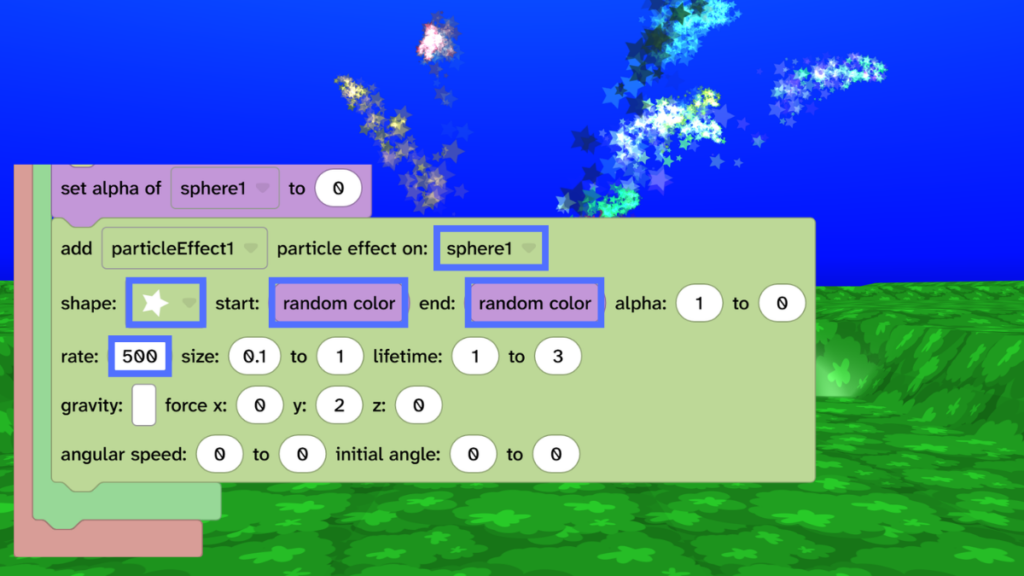
Add colourful particle effects
- From Scene, choose Effects and drag the ‘add particle effect’ block under the ‘set alpha of’ block.
- Change the shape to a star.
- From Materials, add the ‘random color’ block onto the white start and blue end colour blocks.
- Set the rate to 500.
- Press Play ▶️ to test. A firework display should launch!
- Debug: If you don’t see particle effects, check that the ‘particle effect on:’ dropdown uses the name of your sphere.
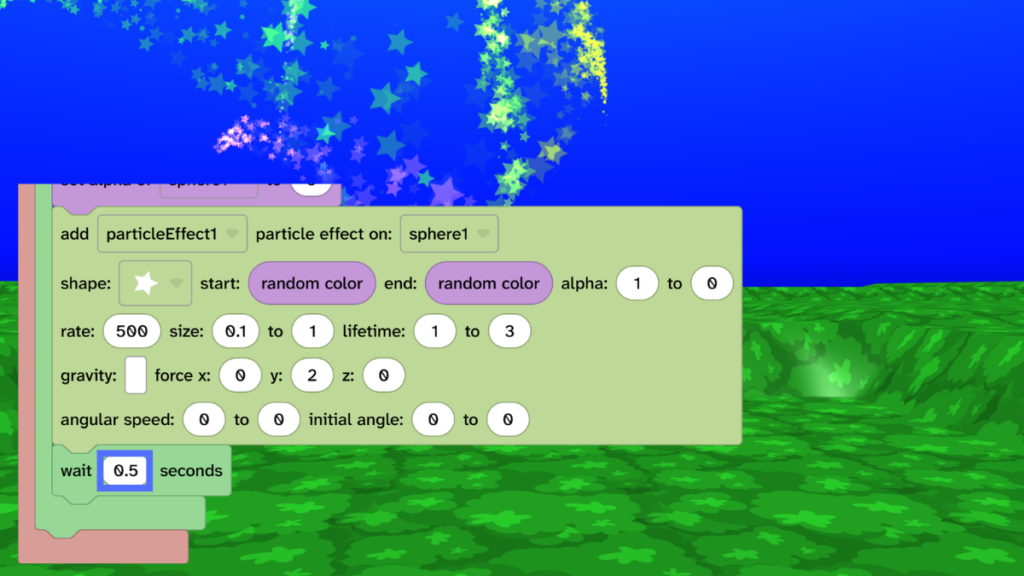
Add a wait between each firework
- From Control, add a ‘wait 1 seconds’ block under the ‘add particle effect’ block.
- Change 1 to 0.5.
- Press Play ▶️ to test. Experiment with different timings.
Take it further
- Experiment with different force directions.
- Change the sky and map for different moods.
- Add scenery to your world to create a 3D scene.
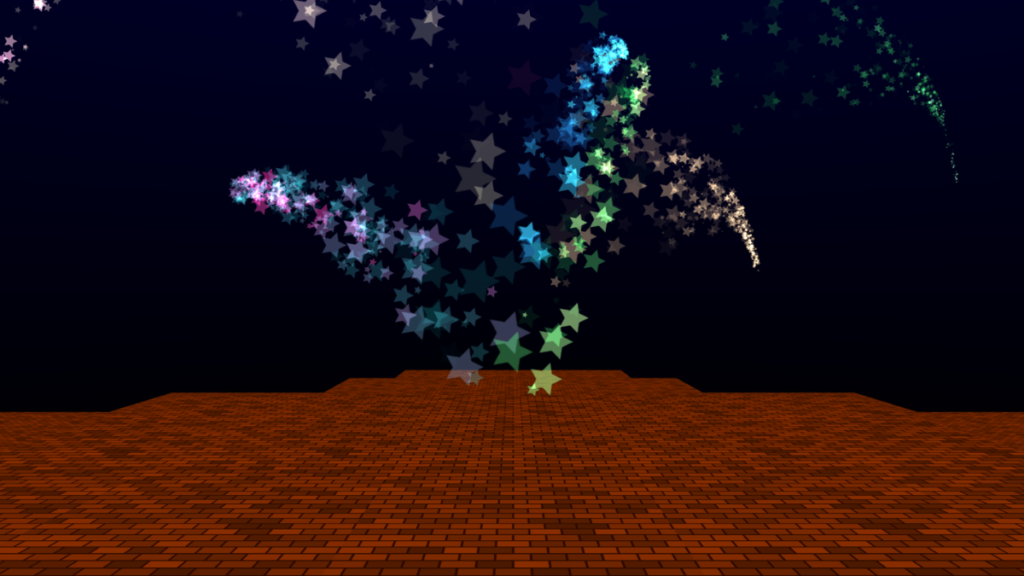
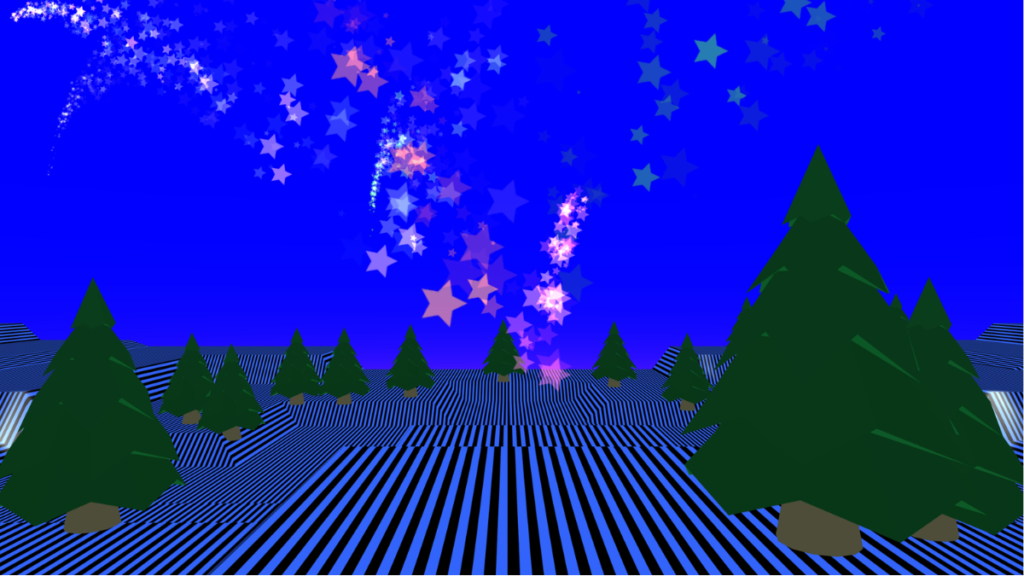
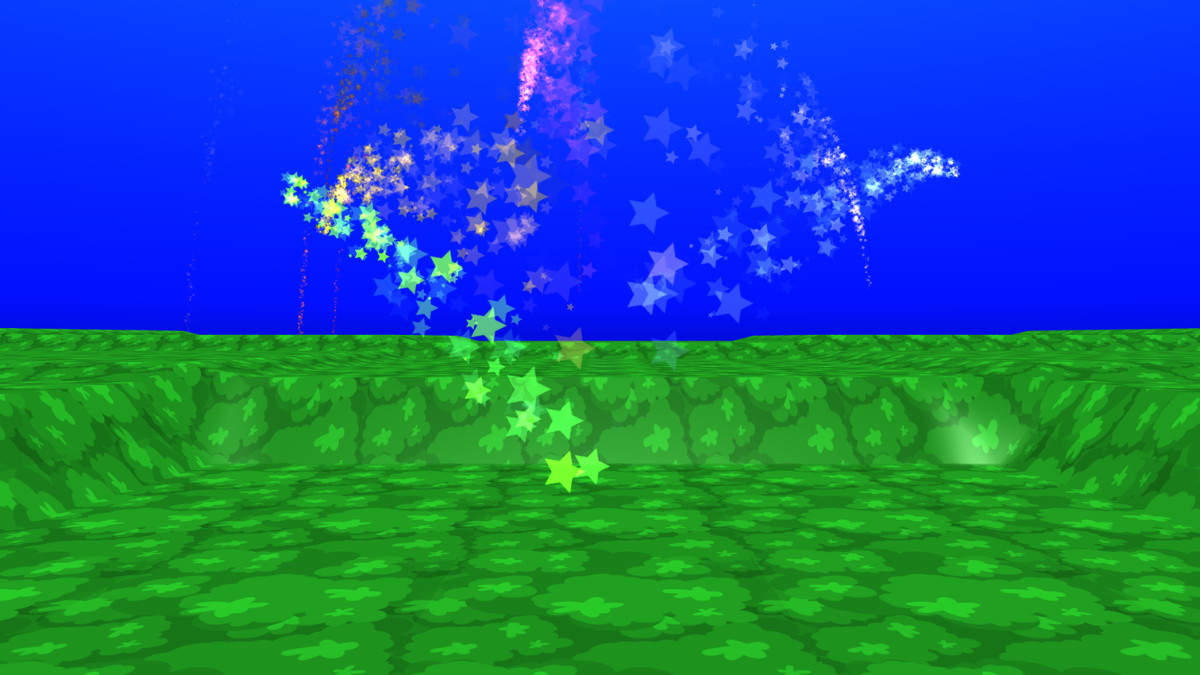
Idea gallery