
Play the game
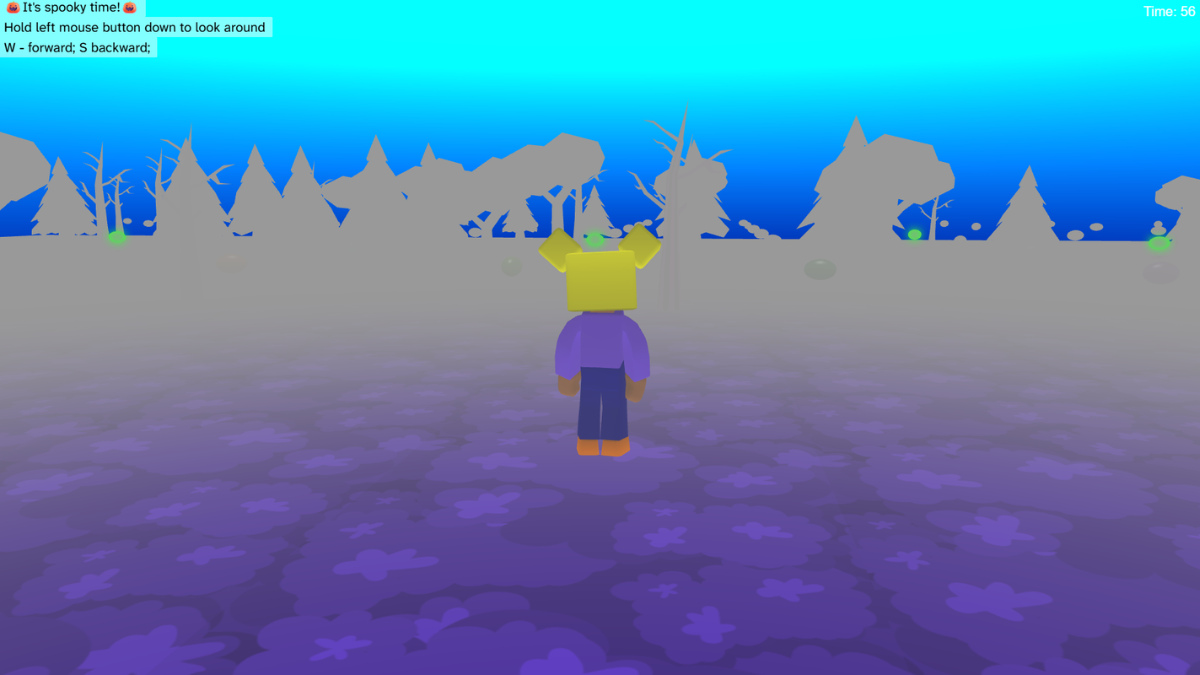
- Play ▶️ the game to explore how it works.
- Think about: How the score is calculated, what the different jelly bean colours mean, and how spooky the environment is.
Change the 3D environment and character
- Add a gradient sky with custom colours.
- Choose a new map material and colour.
- Tip: Don’t change the map terrain as this will impact where the trees are placed.
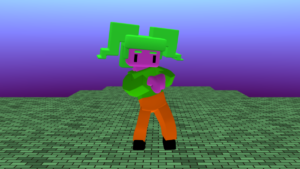
- Change the character model and colours.
- Find the tree model code and choose different trees and colours.
Change the user interface
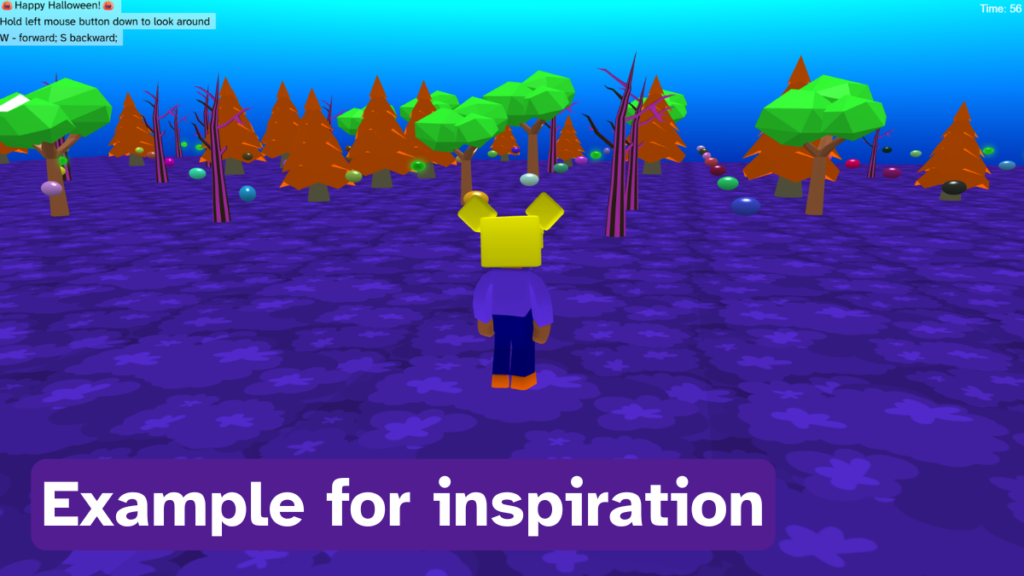
- Explore the text elements of the game. Do you want a different welcome message? Are you happy with the colours used for the ‘say’ blocks. Experiment with different colour combinations.
Adjust the player movement
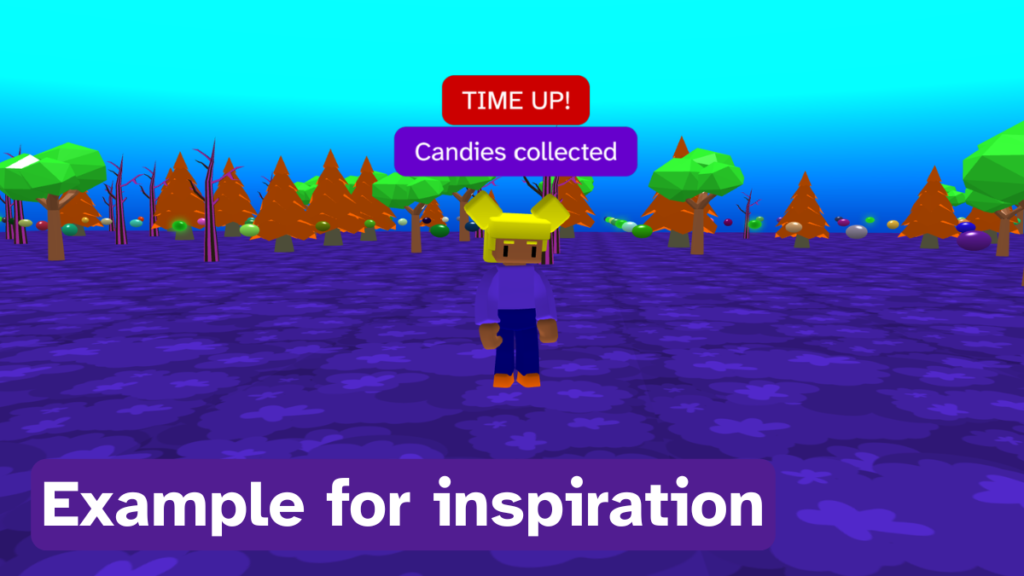
- Explore the player movement blocks.
- Are you happy with how the player reacts to a ‘yucky’ candy? Do you want a longer or shorter delay or a different animation?
- Are you happy with the player movement animation? Should they fly instead?
Add fog to your game
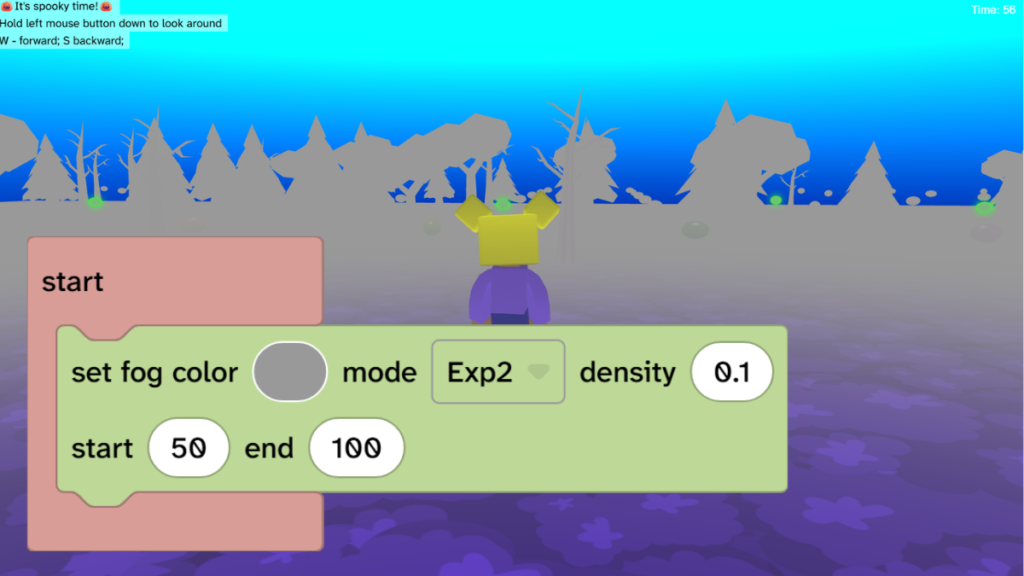
- From Scene, choose Effects and drag the ‘set fog’ block under any start.
Game sounds
- Find the code blocks that play sounds based on interactions.
- Are you happy with the sounds? Explore different options and try different speeds to create different effects.
- Does the whole game need a theme sound? If so, add the ‘play theme’ sound block at the top of any start and experiment with the settings.
Take it further
- Add more obstacles to the world. Be careful not to place them where a bean might spawn.
- Change the scoring system so that getting a ‘yucky’ bean reduces your score.
- Repurpose the entire game for a completely different theme, such as star collector in a rainbow themed world.