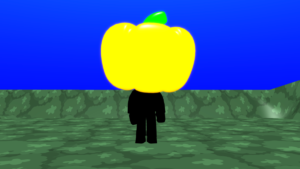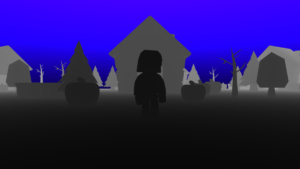

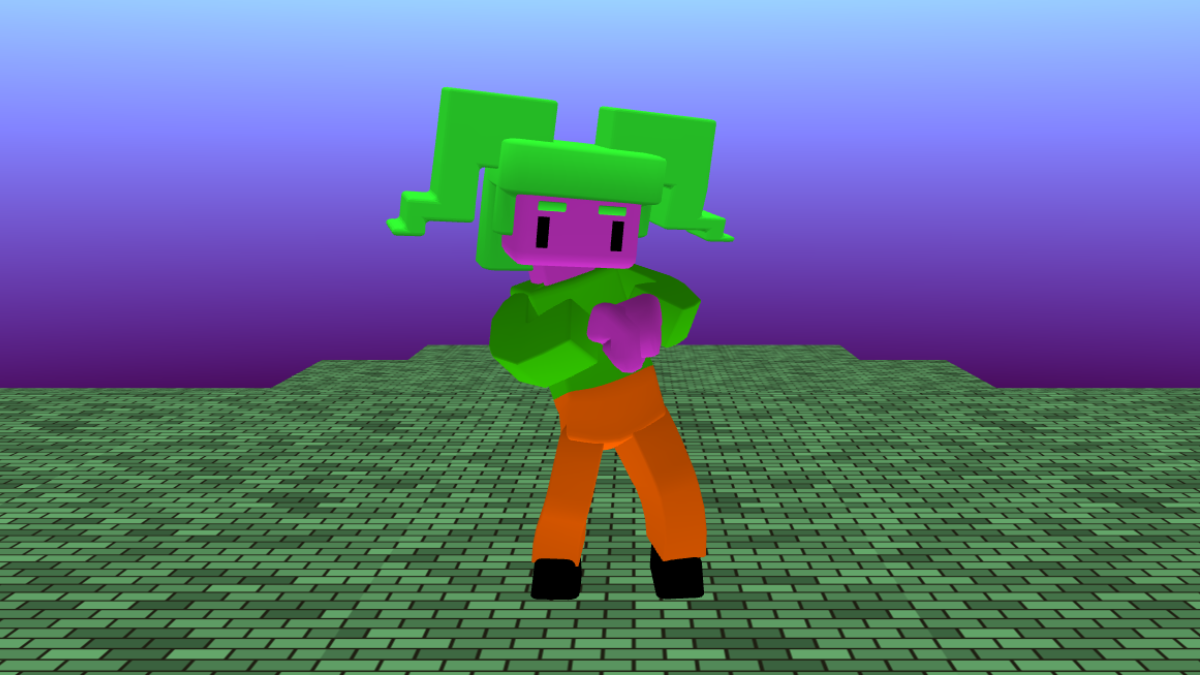
Personalise your world
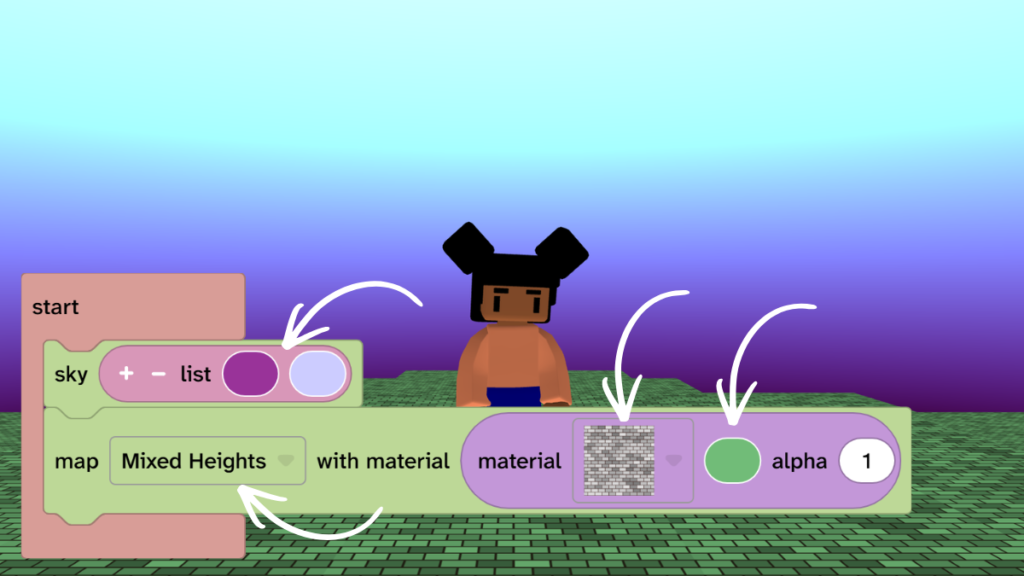
- On the sky block click on the colours and choose colours for your sky.
- On the map block click the ‘Flat’ dropdown and choose a map terrain from the list.
- On the map block click ‘material’ dropdown and choose a material for your map.
- On the map block click the colour block and choose a colour for your map.
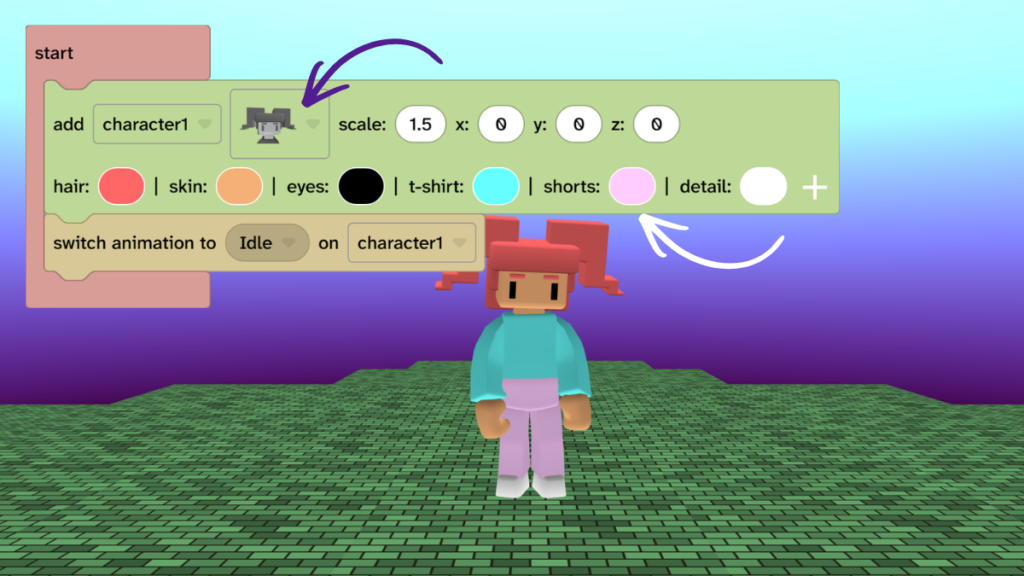
Design your character
- Design your character in their everyday clothes. This will be the starting outfit for your character.
- Choose a character from the ‘add character’ block.
- Choose colours for your character.
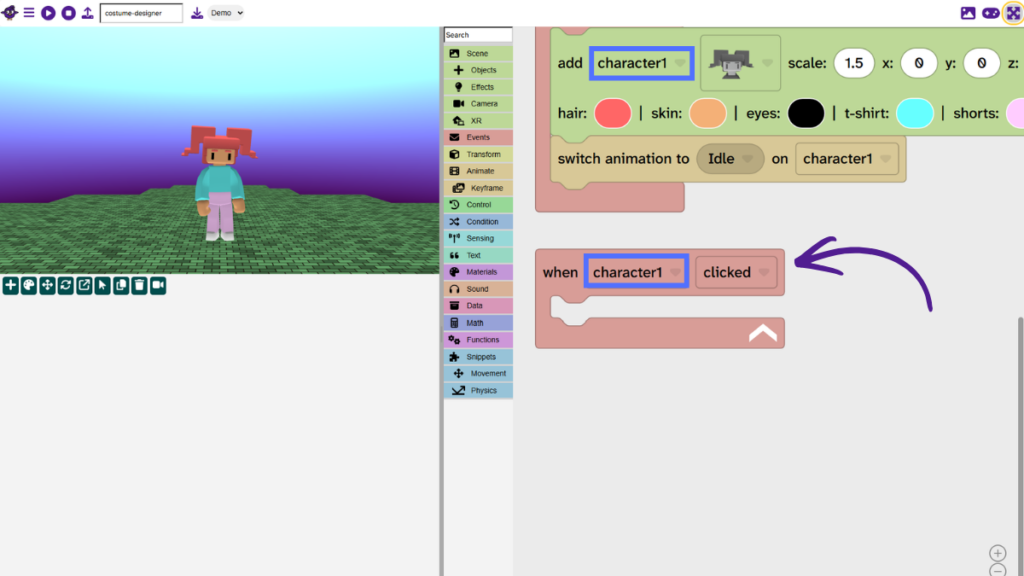
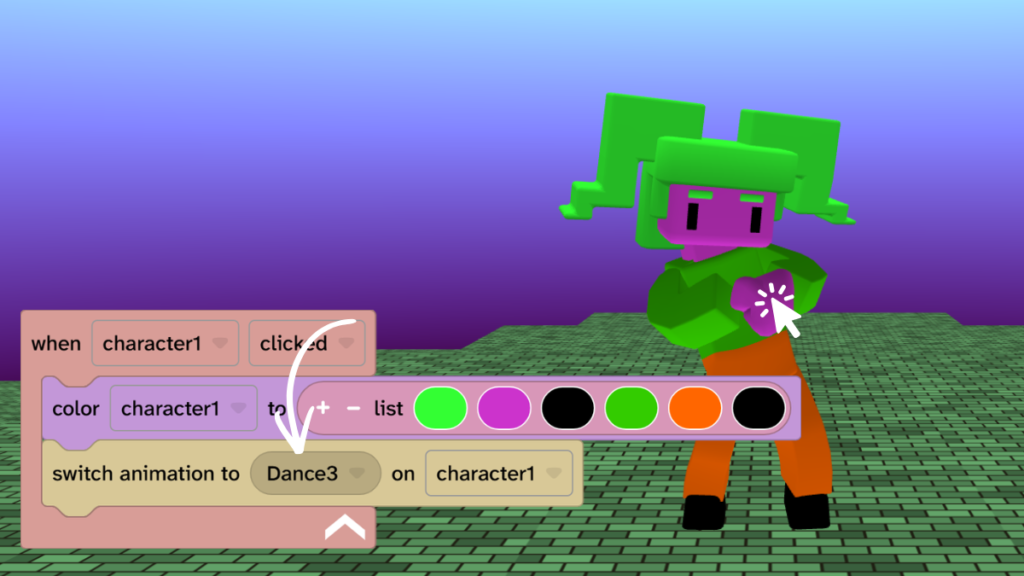
Add the ‘when clicked’ block
- From Events, drag the ‘when clicked’ block into the code area.
- Tip: Check that the block has uses the same name as your character. If not, select it from the dropdown.
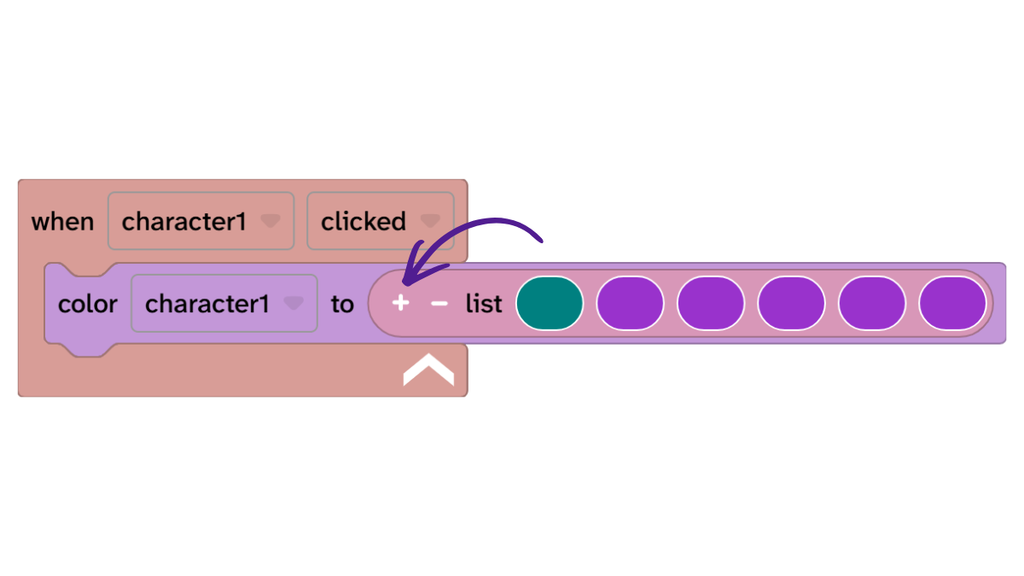
Add the ‘color to’ block
- From Materials, drag the ‘color to’ block inside the ‘when clicked’ block.
- Click the little plus + sign on the list of colours until you have six colours.
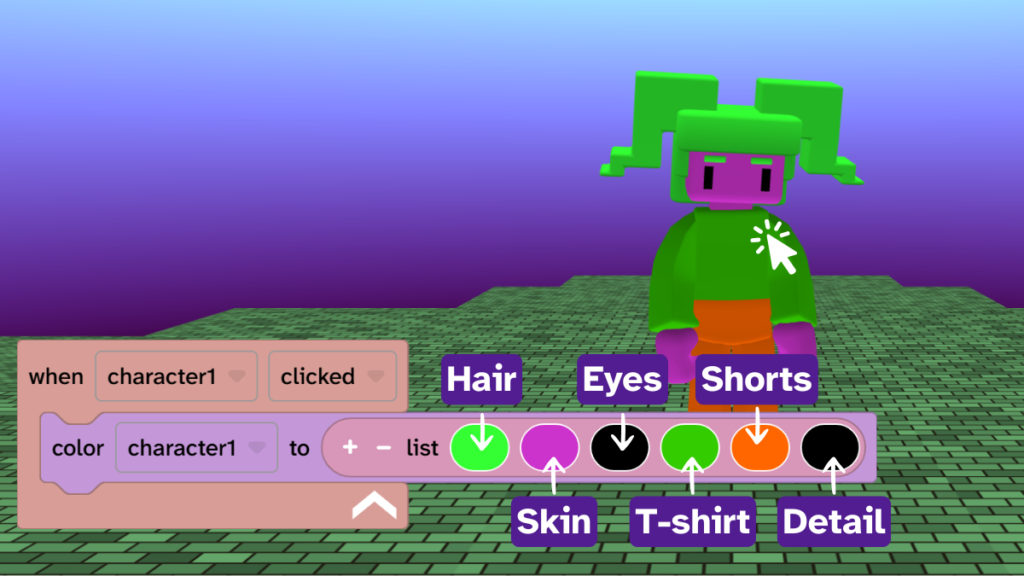
Choose costume colours
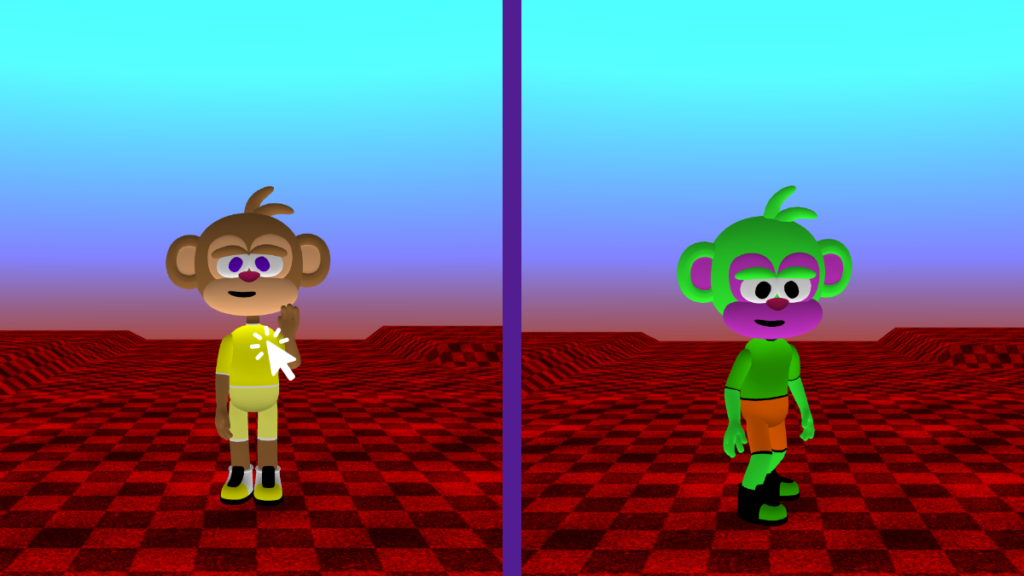
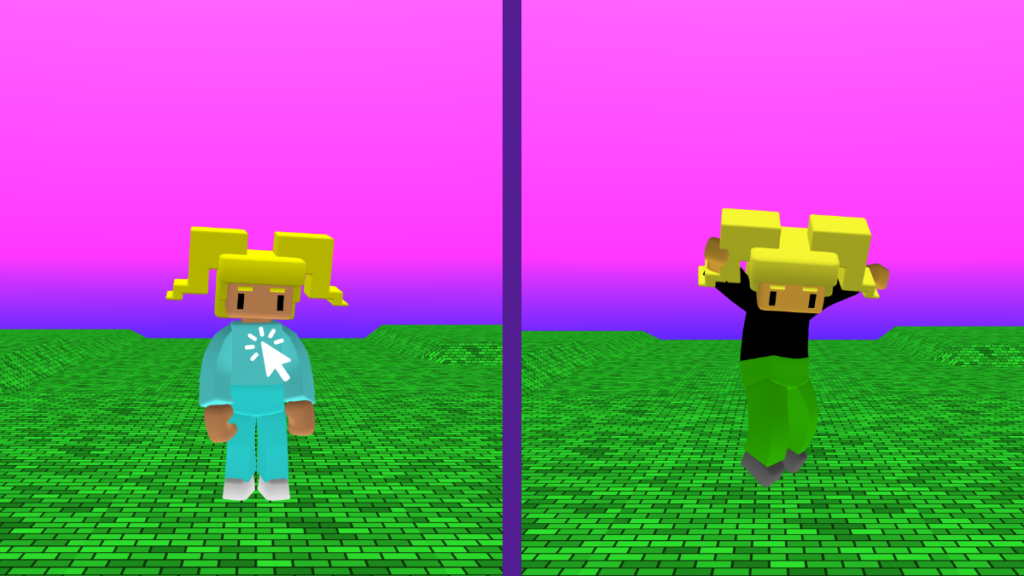
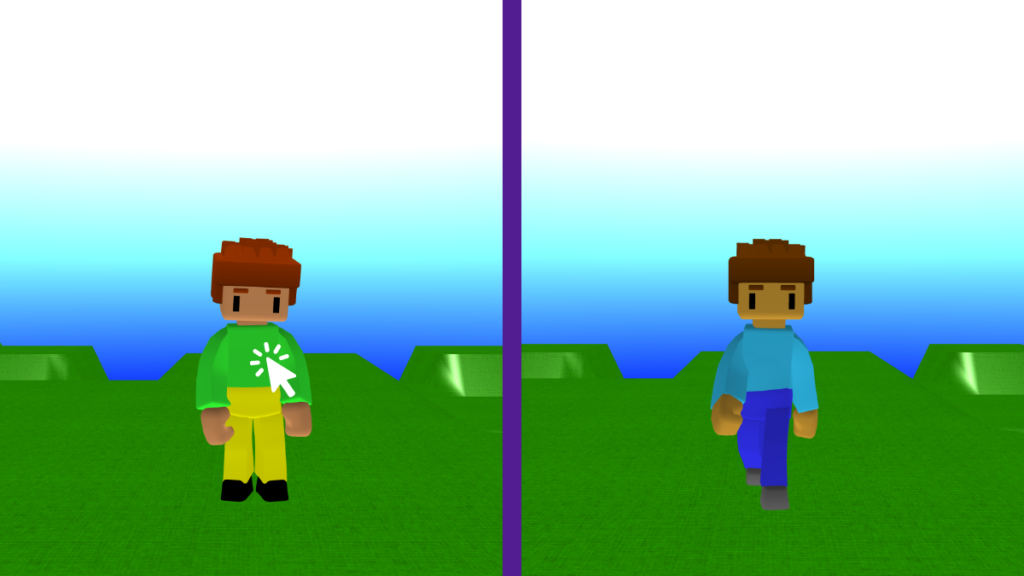
- Choose costume colours for your character to wear.
- Press Play ▶️.
- Click (or tap) the character to see costume change.
- Keep trying different colours until you are happy with your costume.
- Tip: The order of the list of colours matches the order on the add character block.
Switch animation
- From Animate, drag the ‘switch animation’ block under the ‘color to’ block inside the ‘when clicked’ event.
- Choose an animation to switch to when your character is clicked.
- Perhaps they should dance?
- Press Play ▶️ and click or tap your character to test.
Take it further
- Give your character a different animation at the start.
- Try different costumes and animations until you are happy with your design.
- Try a different sky and map for a different feel.
Idea gallery