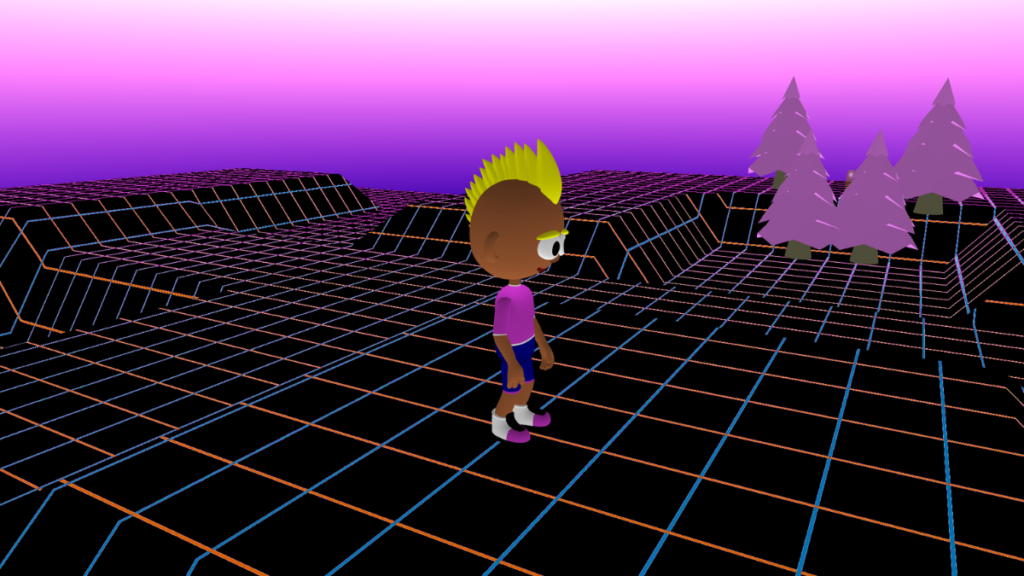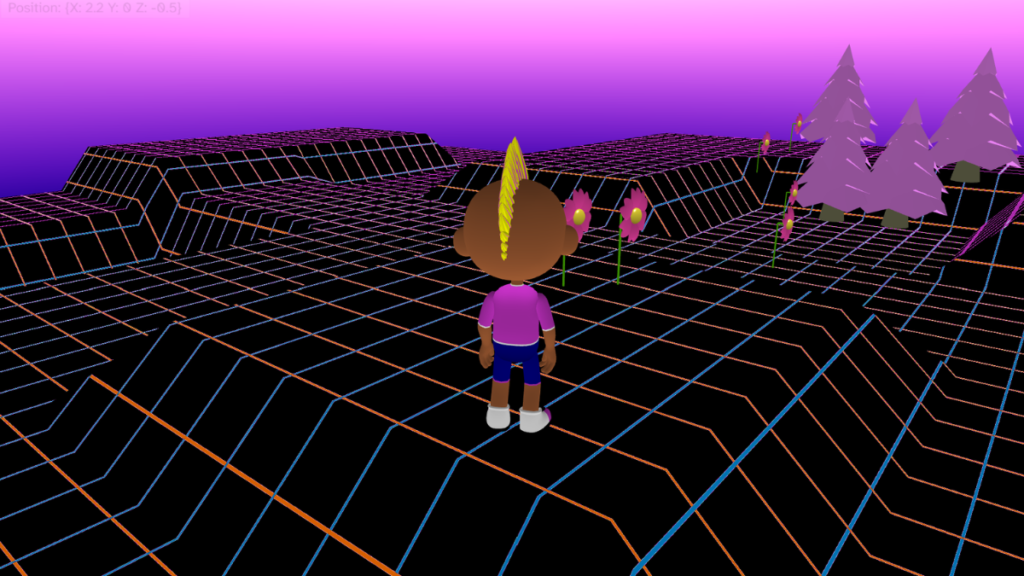

Personalise your world
- Choose sky colours for your sky.
- Choose a terrain, map material and colour.
- Choose a player character and colours.

Add an item to hide
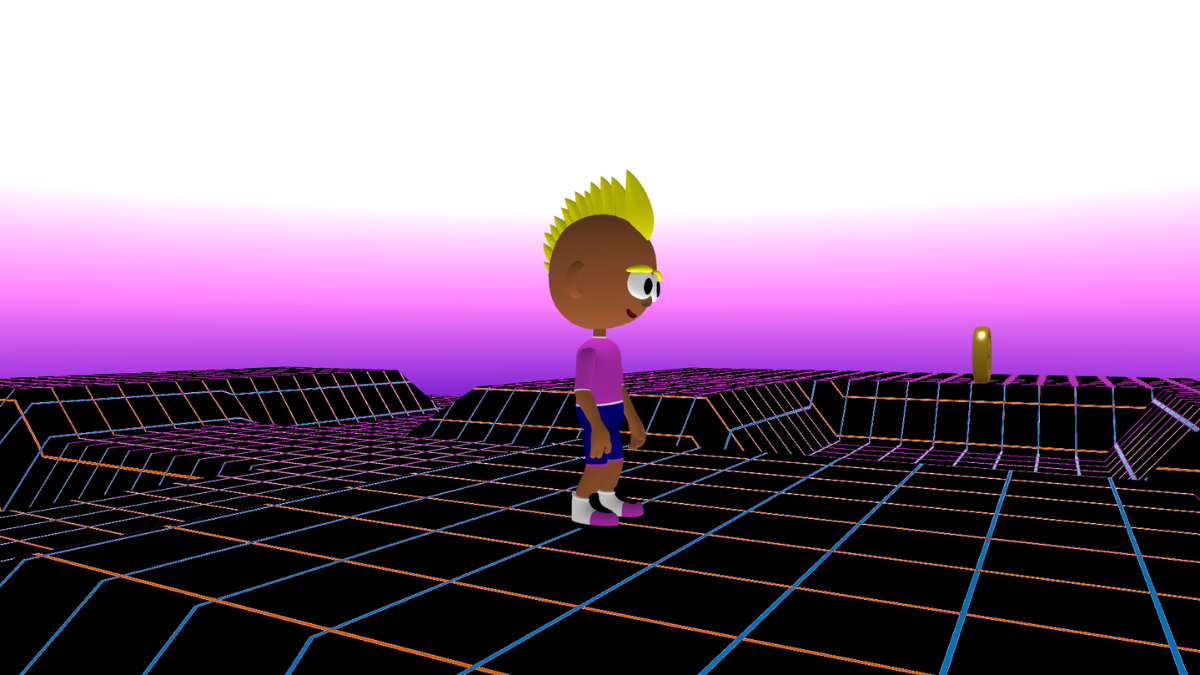
- Click the + icon under the canvas and choose an item to hide. This example uses the coin.
- Click on the map near the player to place your item. You will move it later, after testing the code works.

Give the item a sensible name
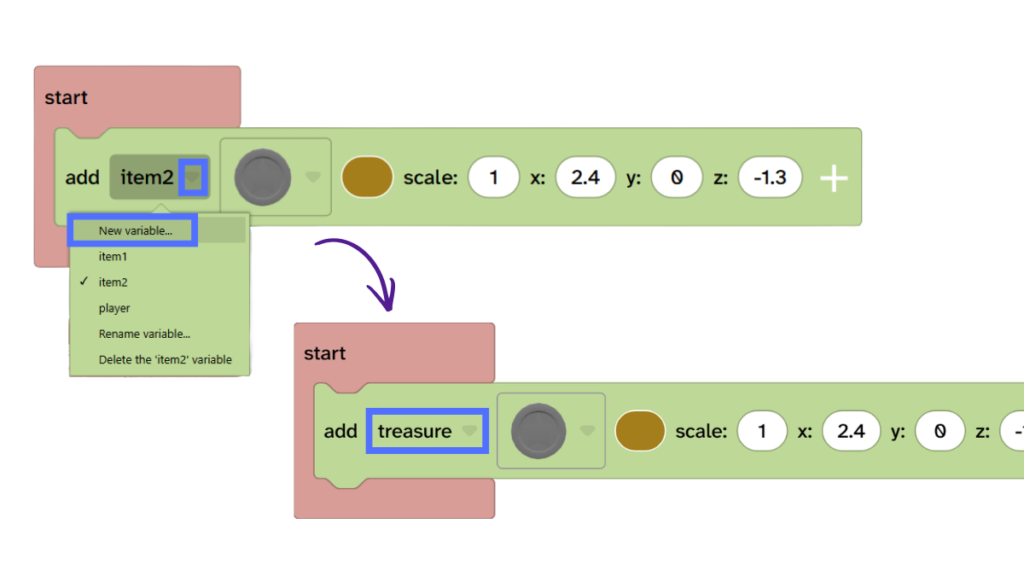
- On the ‘add item’ block for your item then click the dropdown and choose new variable.
- Give your item a sensible name, such as ‘treasure’.
Collect
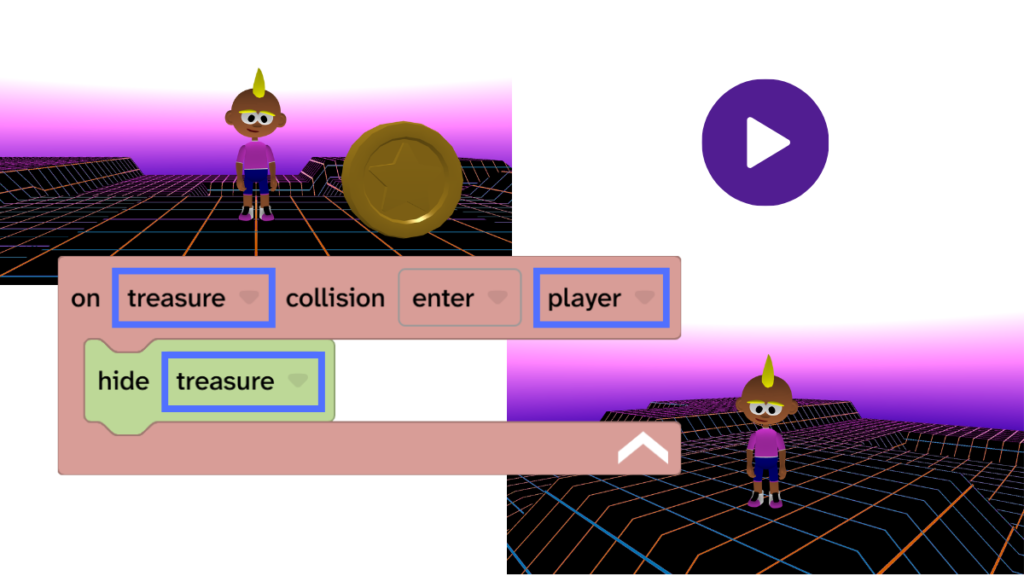
- From Events, add the ‘on collision’ block to the code area.
- Change the dropdowns to ‘treasure’ and ‘player’.
- From Scene, drag the ‘hide’ block inside the ‘on collision’ block and make sure it uses the name of your treasure.
- Press Play ▶️ and test. Your treasure should hide when the player touches is.
- Debug: Remember to press play before testing. Check the names used in the ‘on collision’ block and the ‘hide’ block are correct.
Celebrate
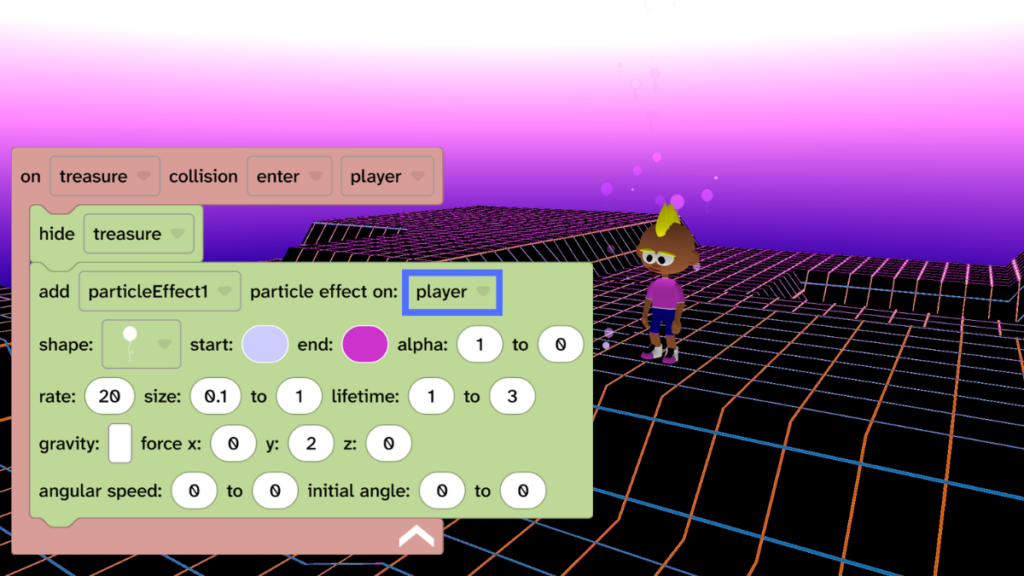
- From Scene, choose Effects and drag the ‘add particle effect’ block under the ‘hide’ block.
- Make sure that ‘particle effect on:’ is set to ‘player’ and not your treasure.
- Optional: Choose different options for your particle effect, such as changing the shape and the start and end colours.
- Press Play ▶️ and test. Your treasure should hide and your player should celebrate with a particle effect.
- Debug: Remember to press play before testing. Check that the particle effect says particle effect on: player.
Hide the treasure
- Press Play ▶️ to bring your treasure back.
- Decide where your treasure will be hidden.
- Use the position gizmo to move your treasure.
- Tip: Use the fly camera to move around the world and place the treasure.
- Press Play ▶️ to check that your game still works.

Take it further
- Use the scale gizmo as well to make the treasure smaller, and harder to find.
- From Materials, use the ‘set alpha’ block on your treasure to make it see-through and harder to find.
- Add models to your 3D world to make it harder to find the treasure.
- Add a path or a clue to help your player find the treasure, such as a path of flowers.
Idea gallery