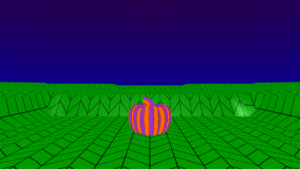

Pick your character
- From Scene, choose Objects and drag an ‘add character’ block under the sky block.
- Click on the cat image and choose your character.
- Click on the ‘character1’ dropdown and click ‘Rename variable’.
- Type a name for your character.
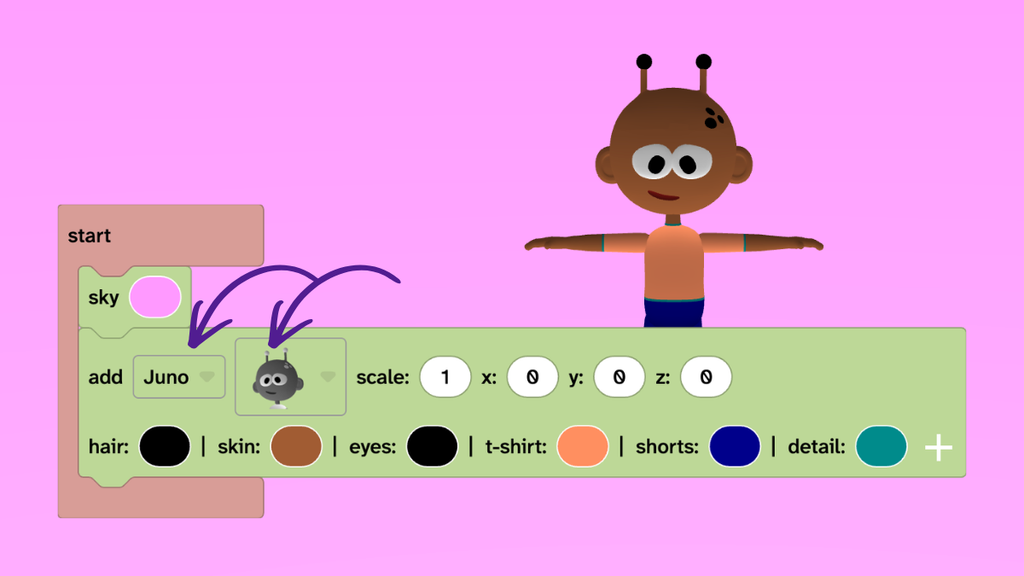
Give them a makeover
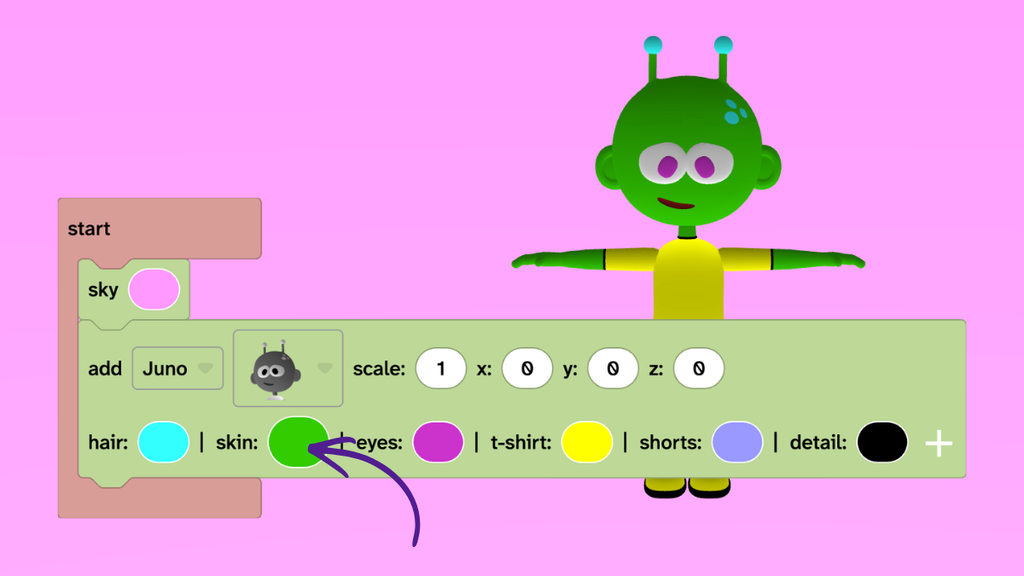
- Click on the hair, skin, eyes, t-shirt, shorts, and detail colour circles to choose your colours.
- Tip: If you want to use any colour for skin, go to Materials and drag the purple colour circle into your skin colour circle. Then press play.
Animate them
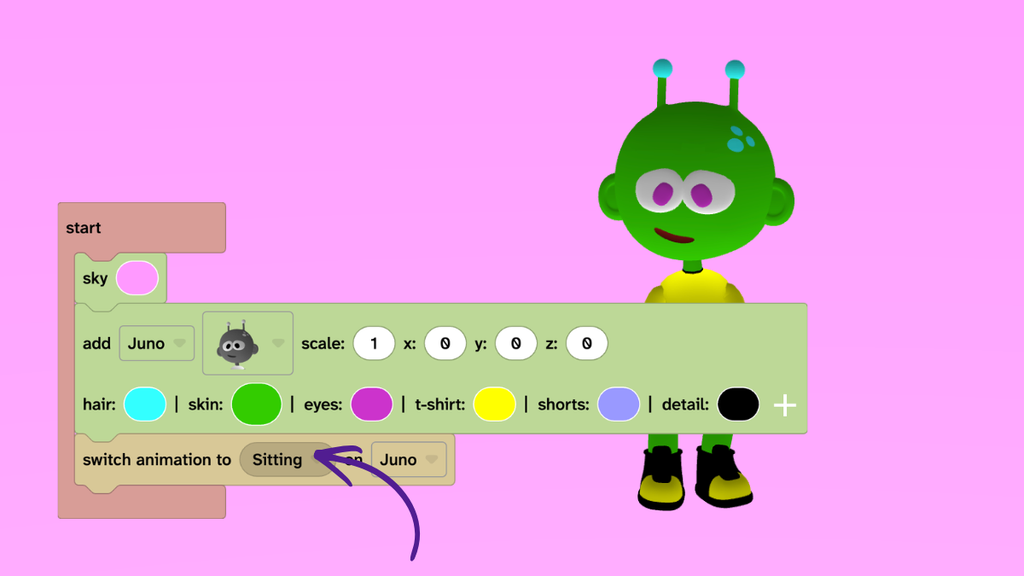
- From Animate, add a ‘switch animation’ block.
- Click the Idle dropdown and choose an animation.
- Press play to see your animation.
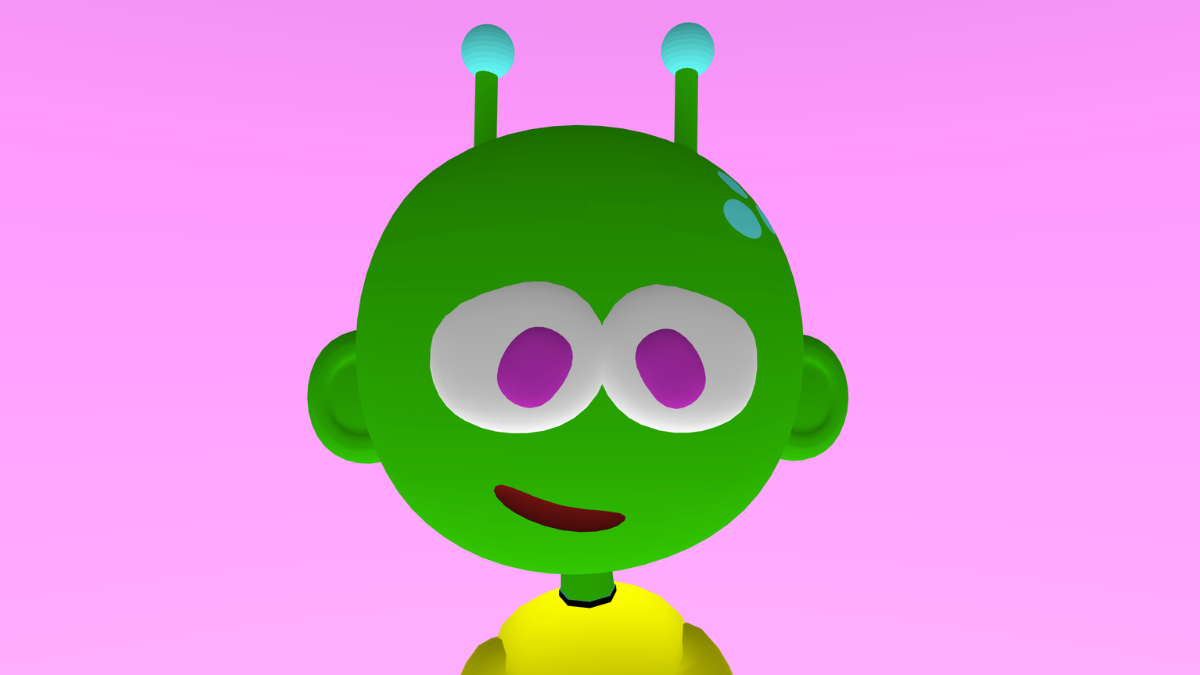
Make them giant
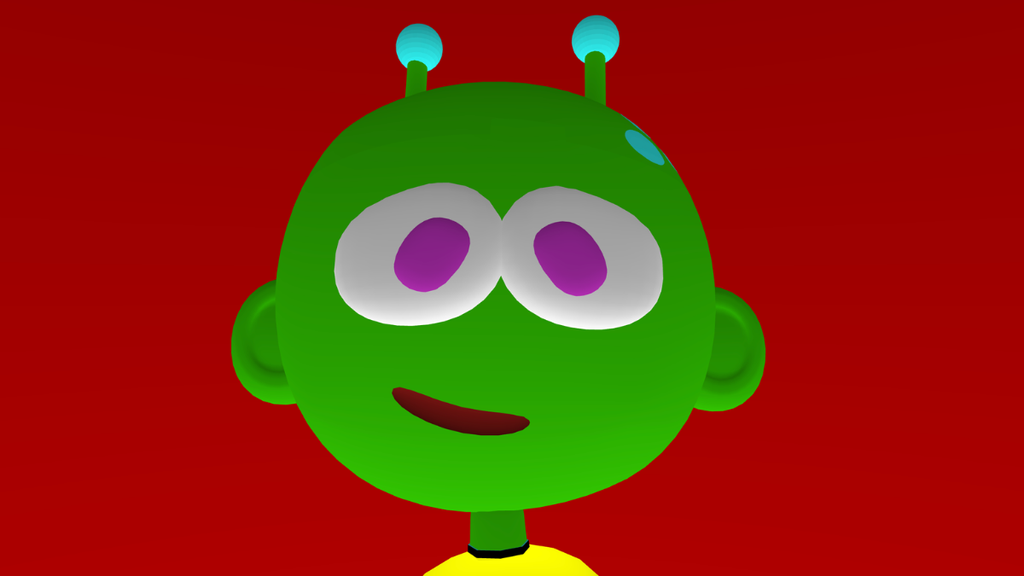
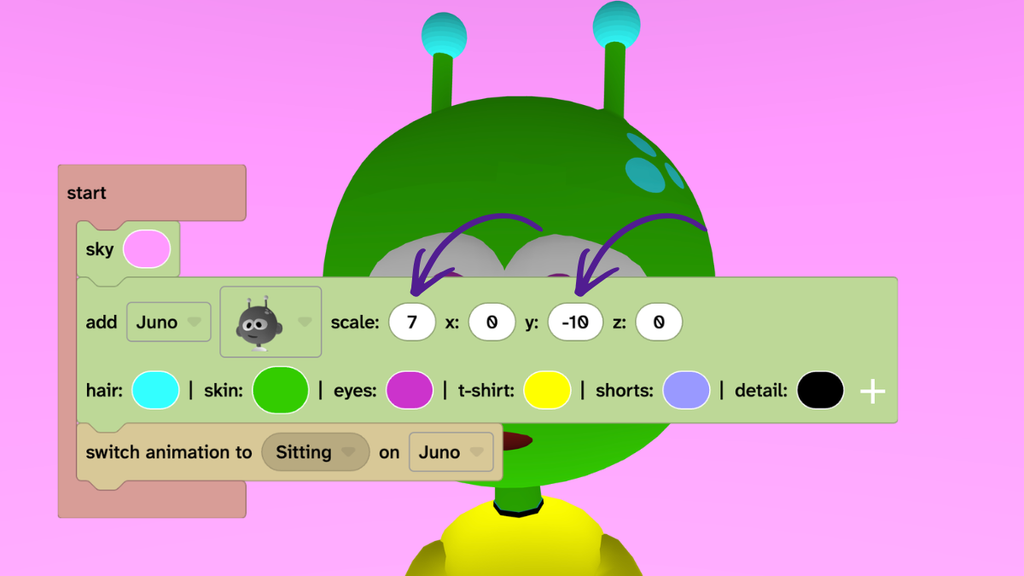
- Click in the ‘scale’ circle in the ‘add character’ block and type ‘7’.
- Click in the ‘y’ circle and type ‘-10’.
- Change the numbers until your characters head fills the screen.
Fill your screen
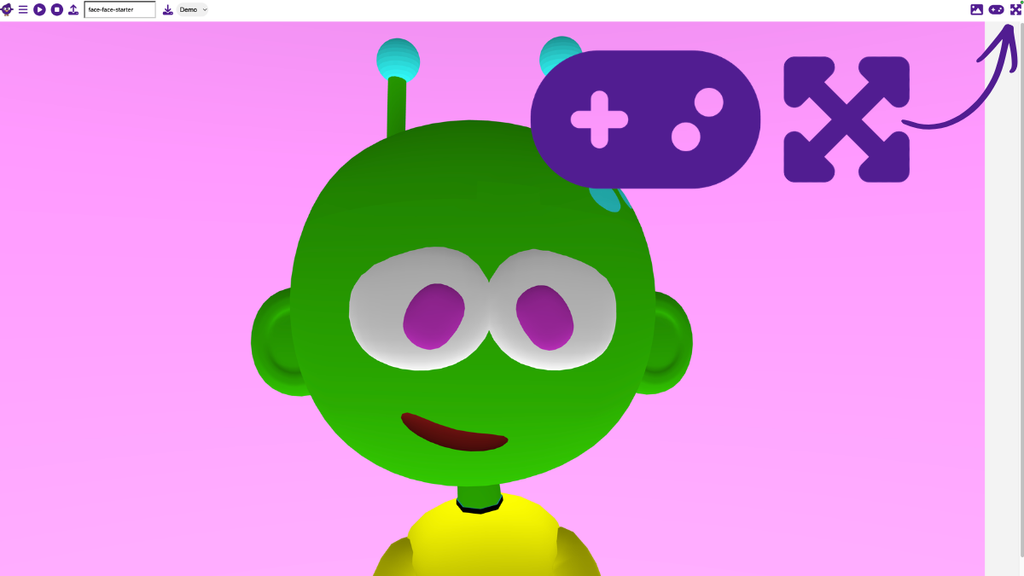
- Press the full screen icon in the top right of Flock XR.
- Press the play mode icon in the top right of Flock XR.
- Watch your character take over your screen!
- Tip: Press them again to come out of full screen.
Take it further
- Change the sky colour.
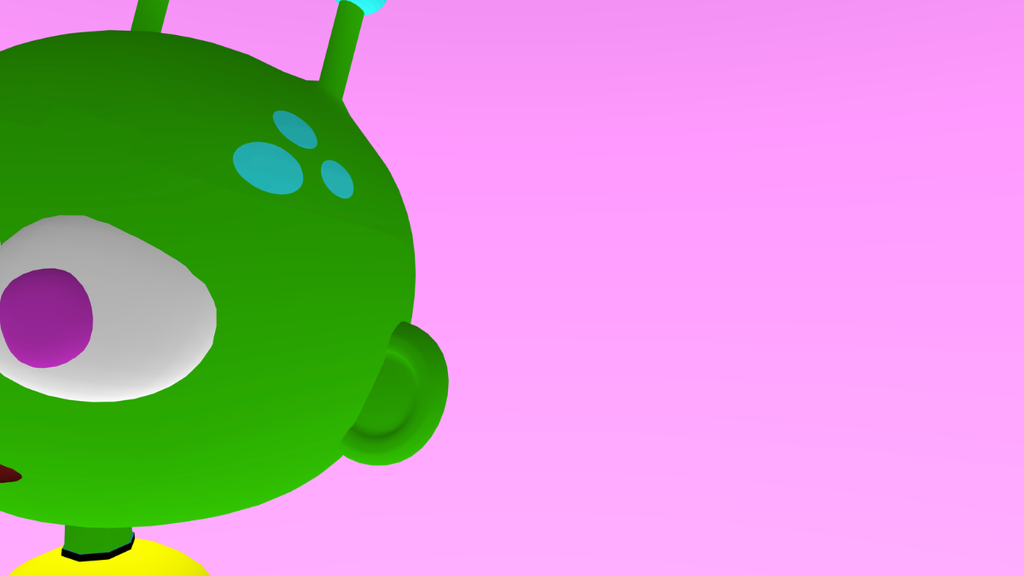
- Change the ‘x’ circle to move your character left or right.
- Change your character colours to make them all one colour.
Idea gallery