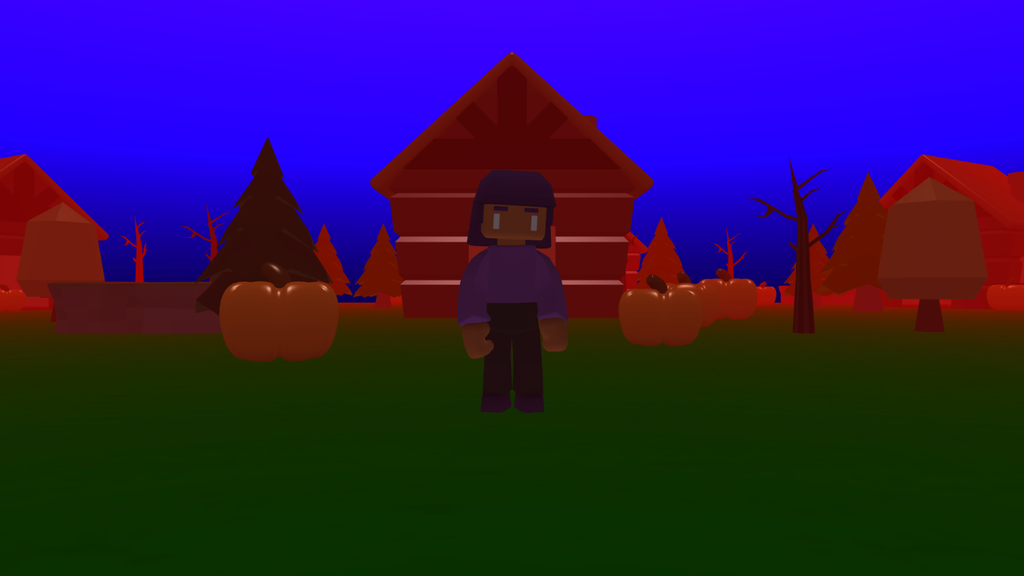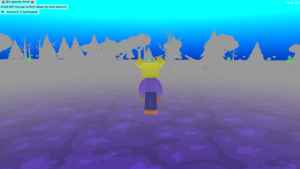

Explore the 3D world
- Look around: Hold the left mouse button and drag, or tap and drag, to turn.
- Move your player: W = forward, S = backward. Touchscreen: use the arrow buttons. Your player moves in the direction you are looking.
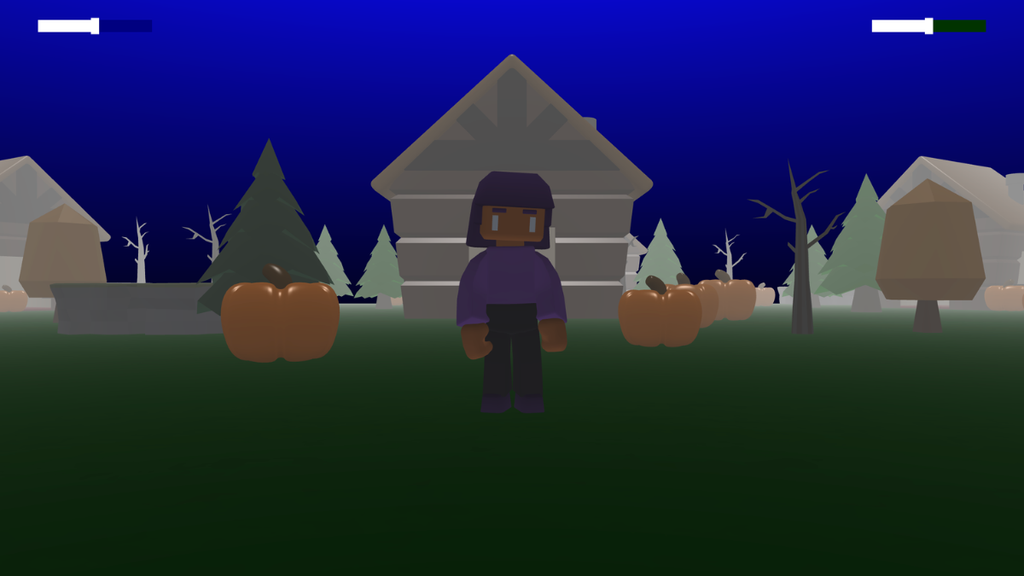
Add a UI slider
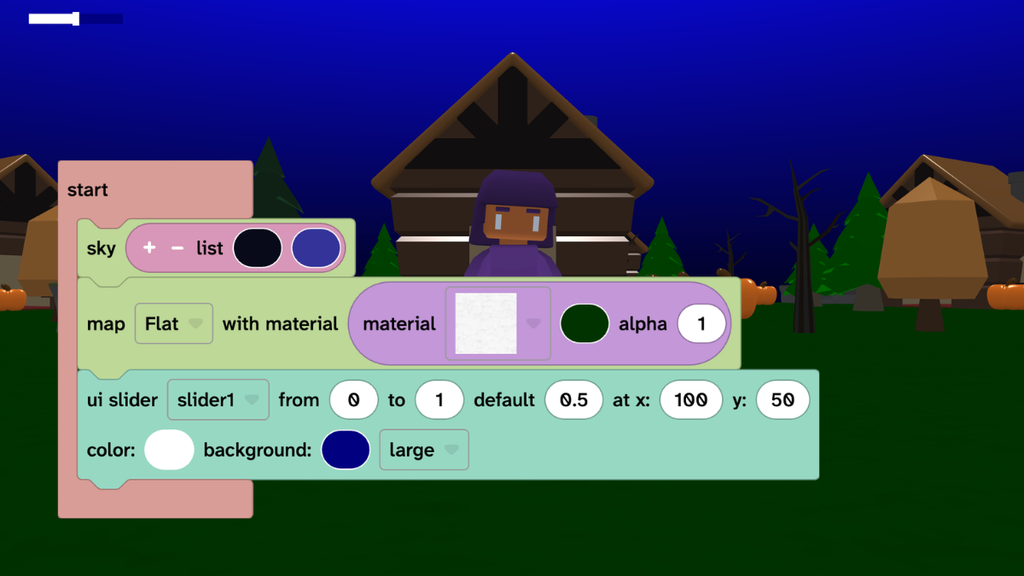
- From Text, add the ‘ui slider’ block under the ‘map’ block.
- Set the values to: from ‘0’ to ‘1’ and default to ‘0.5’.
- Change the size to ‘large’.
- Press play to see the slider.
Forever set the light
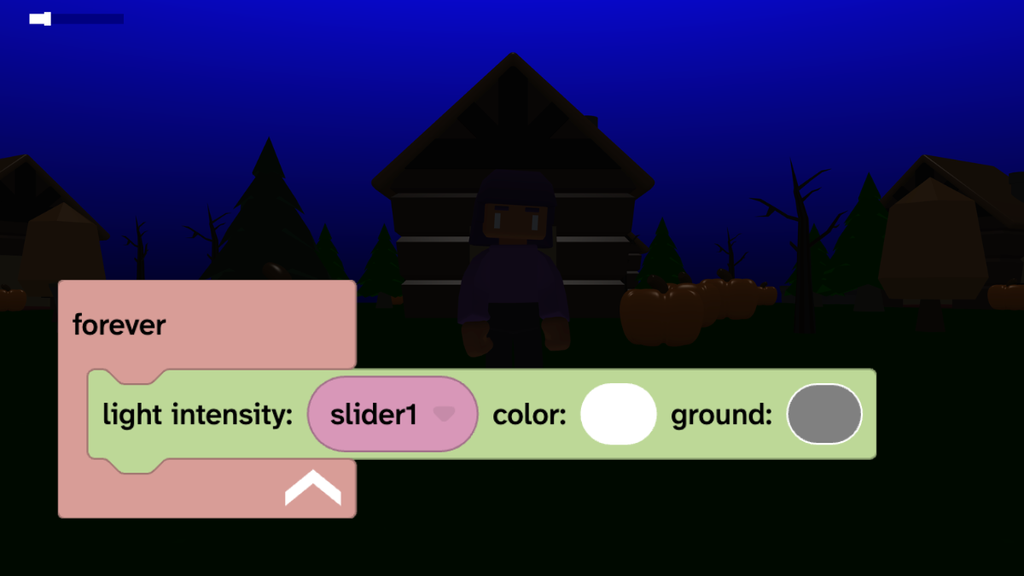
- From Events, add a ‘forever’ block.
- From Scene, choose Effects then add a ‘light intensity’ block inside your forever block.
- From Data, choose Variables then add a ‘slider1’ block in the light intensity block.
- Play and move the slider to test the light changes.
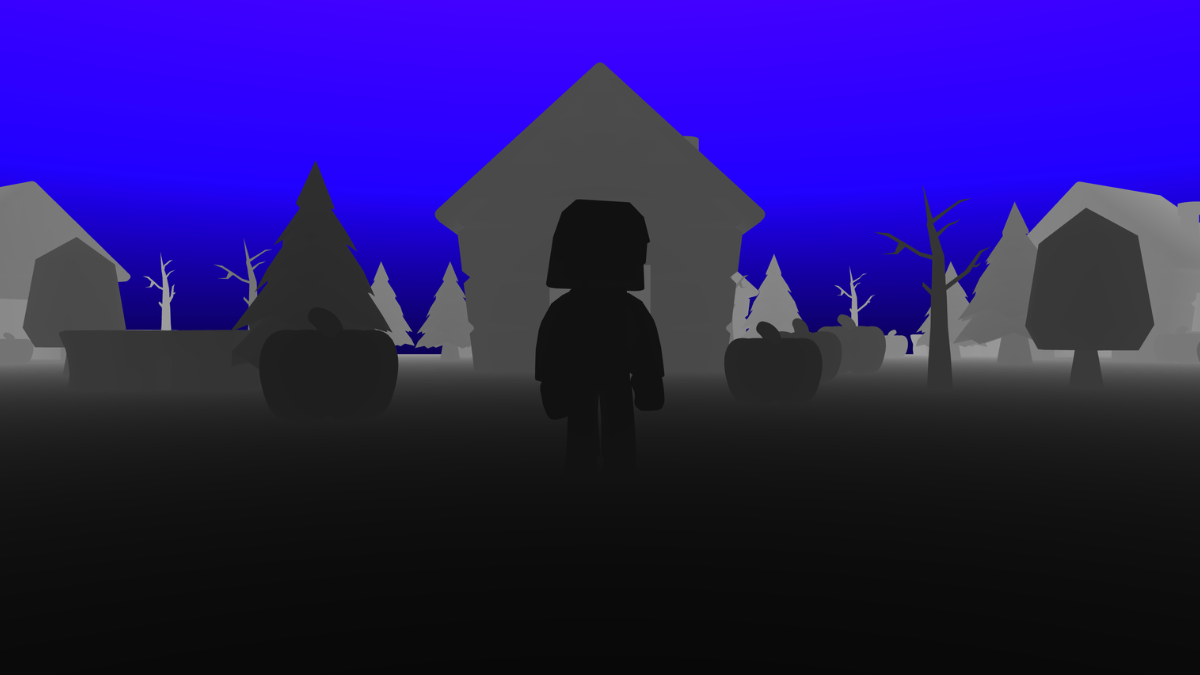
Add fog
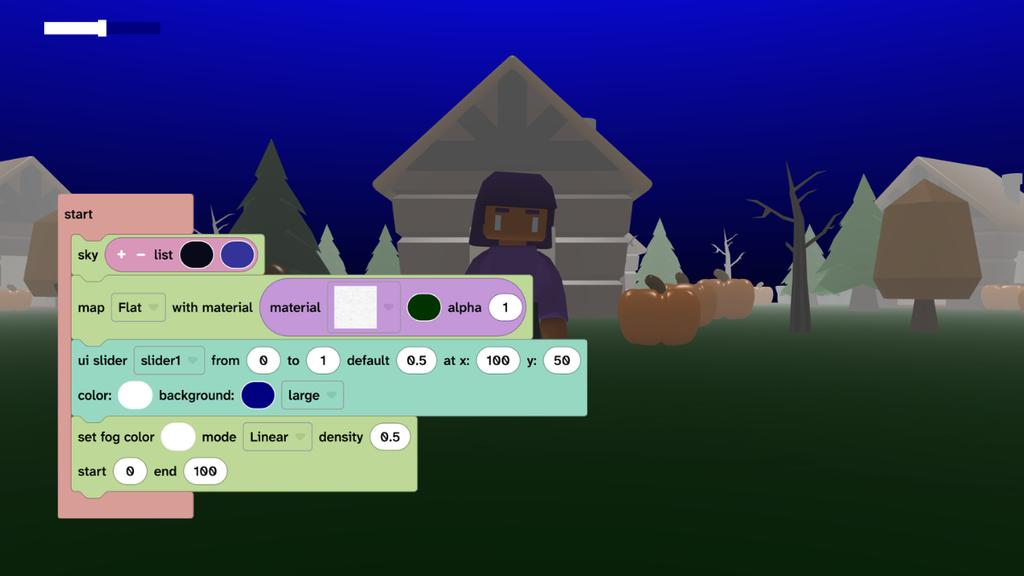
- From Scene, choose Effects then add the ‘set fog color’ block under the ‘ui slider’ block.
- Change the density to ‘0.5’ and the start to ‘0’.
- Press play to test.
Position the slider
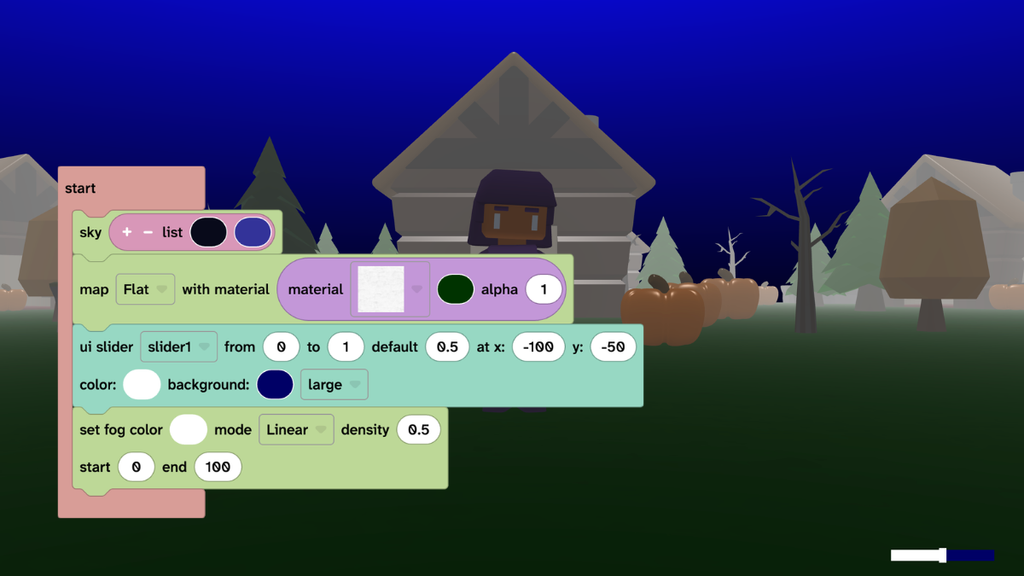
- Change the ‘x’ position of the slider.
- Tip: Positive numbers move the slider out from the left side by that amount, negative numbers move the slider in from the right slide by that amount.
- Change the ‘y’ position of the slider.
- Tip: Positive numbers move the slider down from the top by that amount, negative numbers move the slider up from the bottom by that amount.
- Play to test.
Take it further
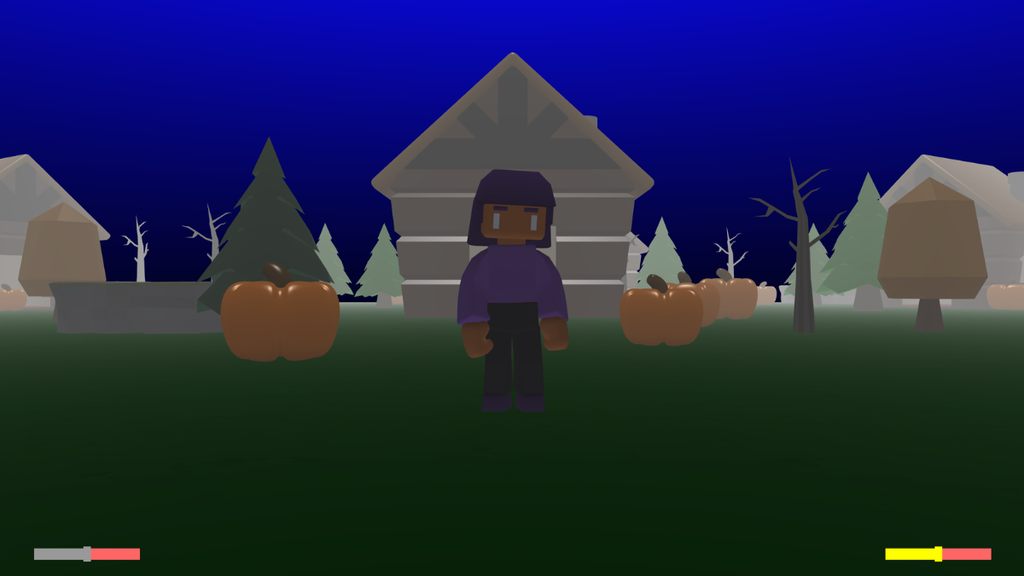
- Change the fog settings to create different effects.
- Forever set the fog mode to ‘EXP’ and the density to a second slider positioned at x ‘-100’.
- Set the colours and position of the slider(s) so that they are accessible for users.
Idea gallery