
Personalise your world and player
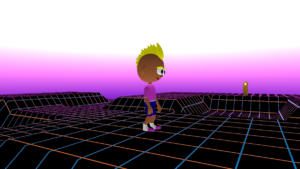
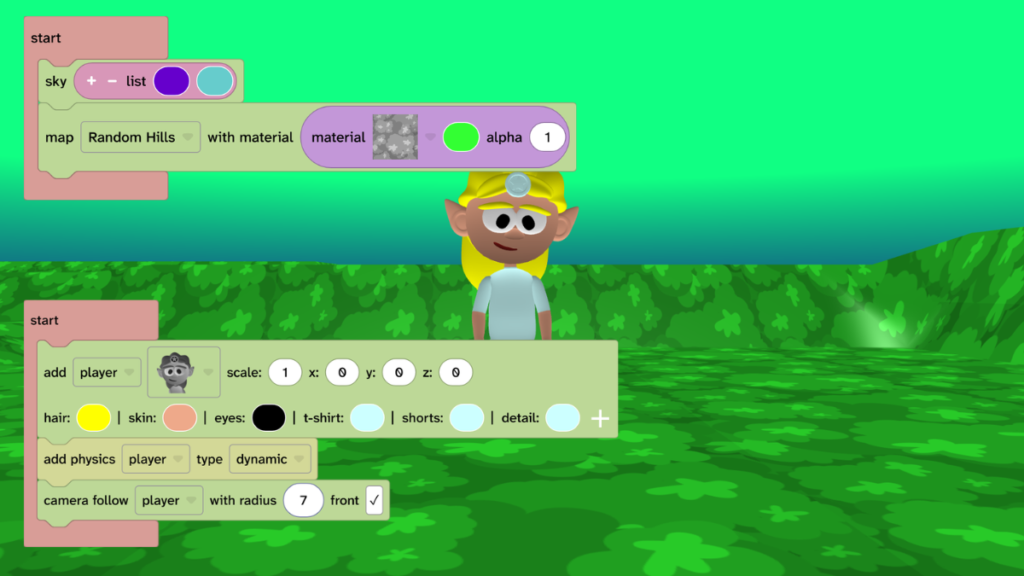
- Choose sky colours for your sky.
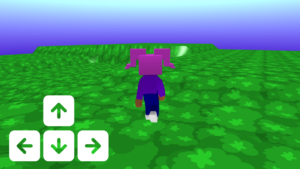
- Choose a terrain, map material and colour.
- Choose a player character and colours.
Add a house
- Walk around and decide where your house should go.
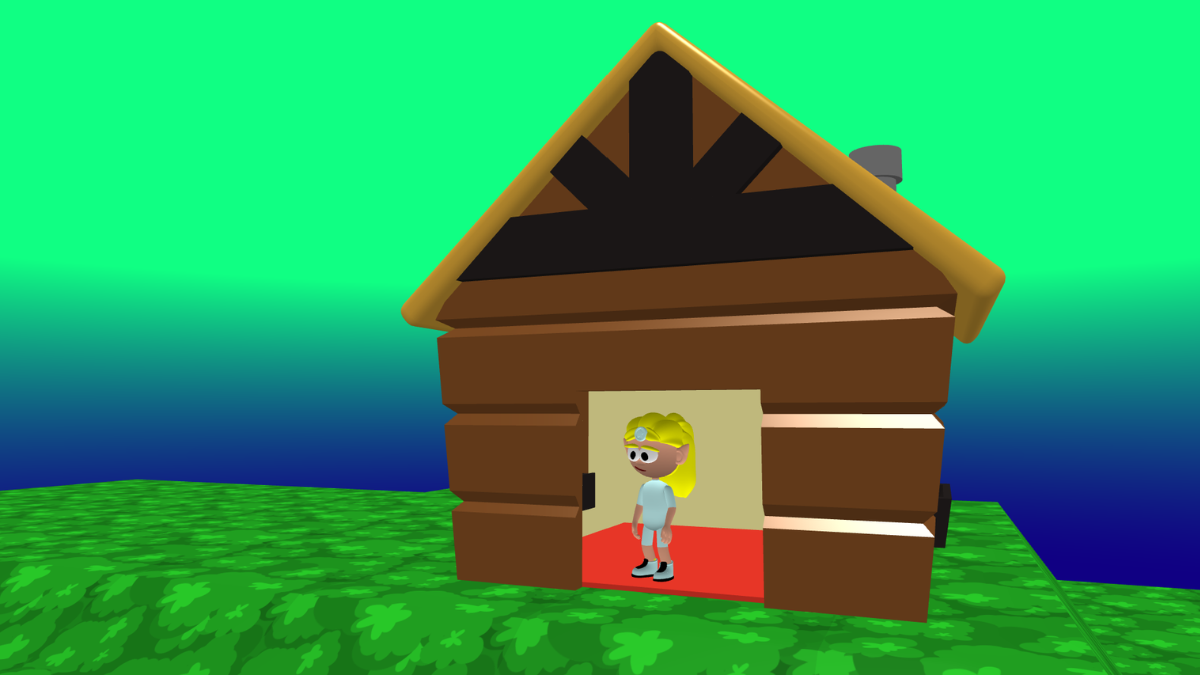
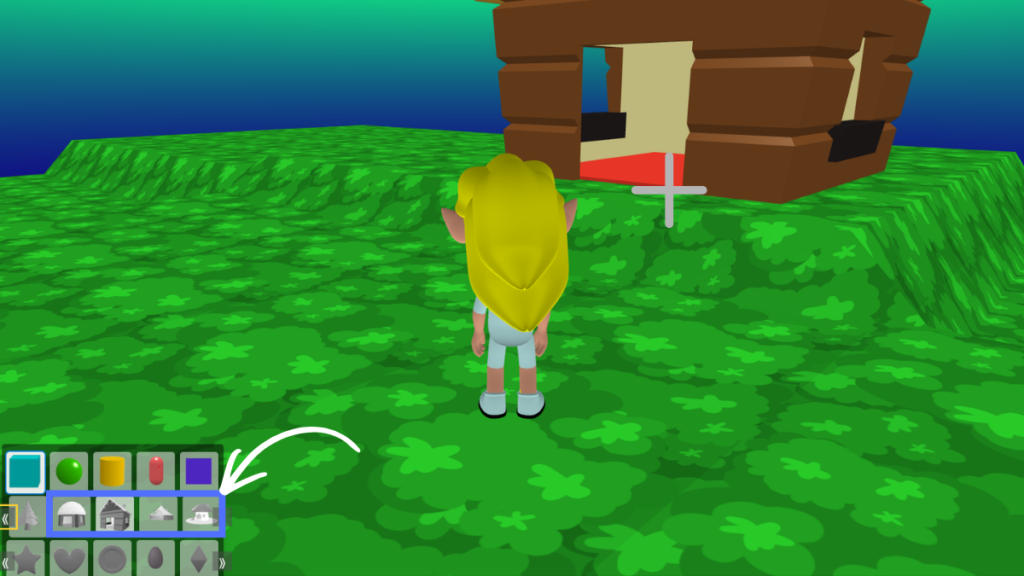
- Click the + icon under the canvas and choose a house.
- Click on the map in your world where you want your house to be.
Add an object physics shape to your house
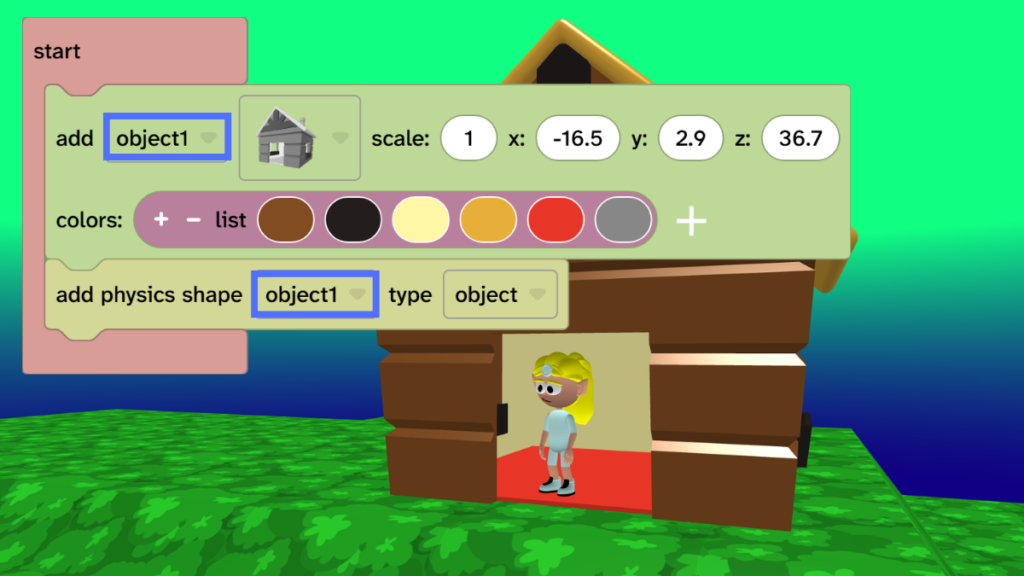
- To walk inside your house, you need to give it an object physics shape. This follows the shape of your house more closely, so you can walk through the door and explore inside.
- From Transform, choose Physics and drag the ‘add physics shape’ block under your house block.
- Press Play ▶️ to test. Walk inside your house.
- Debug: Check that the ‘add physics shape’ block uses the same name as your house.
Take it further
- Personalise your house by choosing different colours.
- Add objects inside your house to decorate it.
- Add more houses to walk inside!