
Explore the world
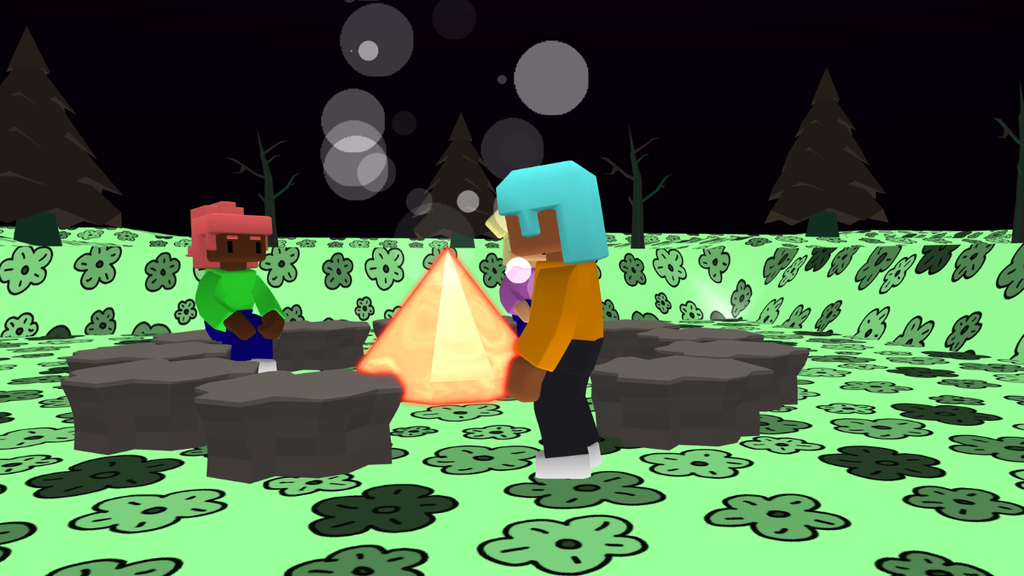
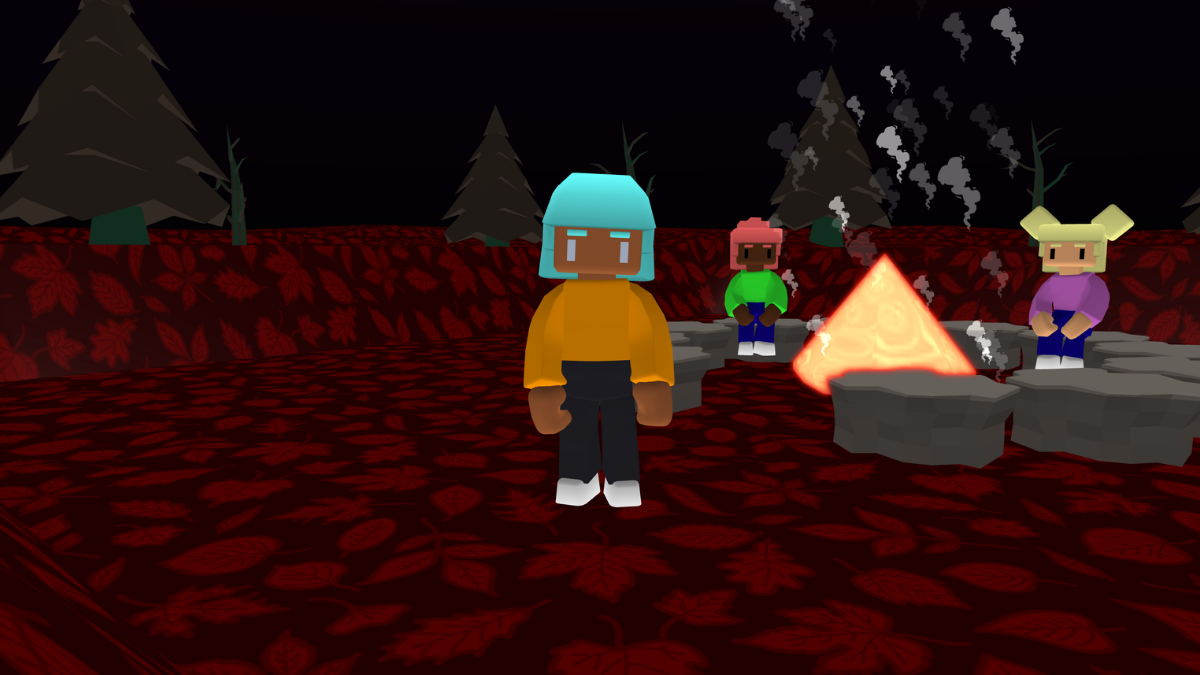
- Take a stroll through your 3D world to see the scene.
- Look around: Hold the left mouse button and drag, or tap and drag, to turn.
- Move your player: W = forward, S = backward. Touchscreen: use the arrow buttons. Your player moves in the direction you are looking.
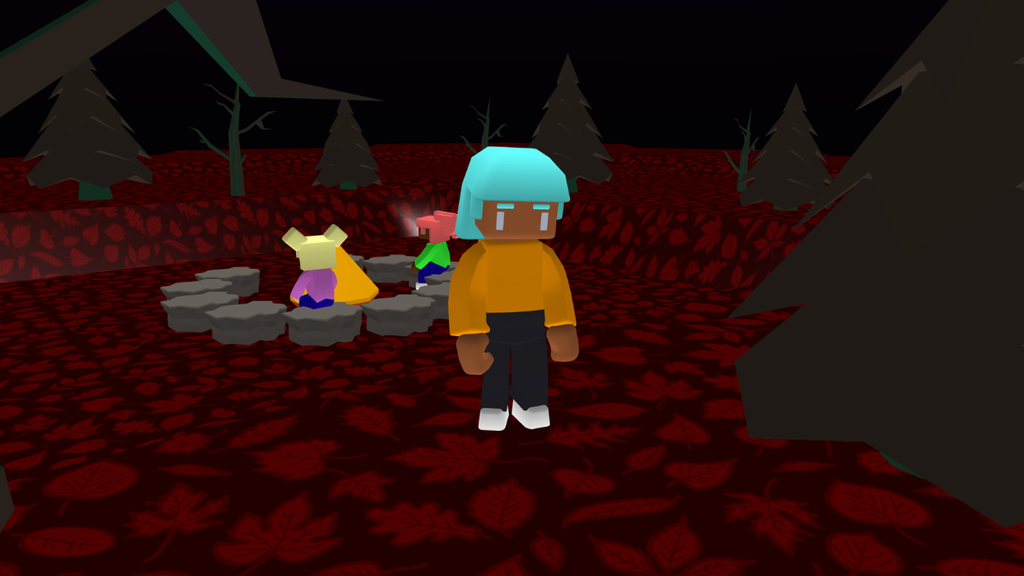
Make a flickering flame
- From Events, add the ‘forever’ block anywhere on your code area.
- From Materials, add the ‘glow’ block and change the dropdown to ‘fire’.
- From Control, add the ‘wait’ block.
- From Materials, add the ‘clear effects’ block and change the dropdown to ‘fire’.
- From Control, add the ‘wait’ block.
- Press play to test your flame. Change the seconds to get a nice flickering effect.

Add highlights
- From Materials, add the ‘highlight’ block and change the dropdown to ‘fire’.
- Place the block under your ‘glow’ block.
- Add a second ‘highlight‘ block under your ‘clear effects’ block.
- Press play to test your flame. Experiment with different on and off colours.

Add materials
- From Materials, add the ‘set material’ block under your first ‘highlight’ block and change the dropdown to ‘fire’.
- Choose a material and colour for the flame.
- Add a second ‘set material‘ block under your ‘clear effects’ block and choose a blank material.
- Press play to test your flame. Experiment with different on and off materials.

Add smoke
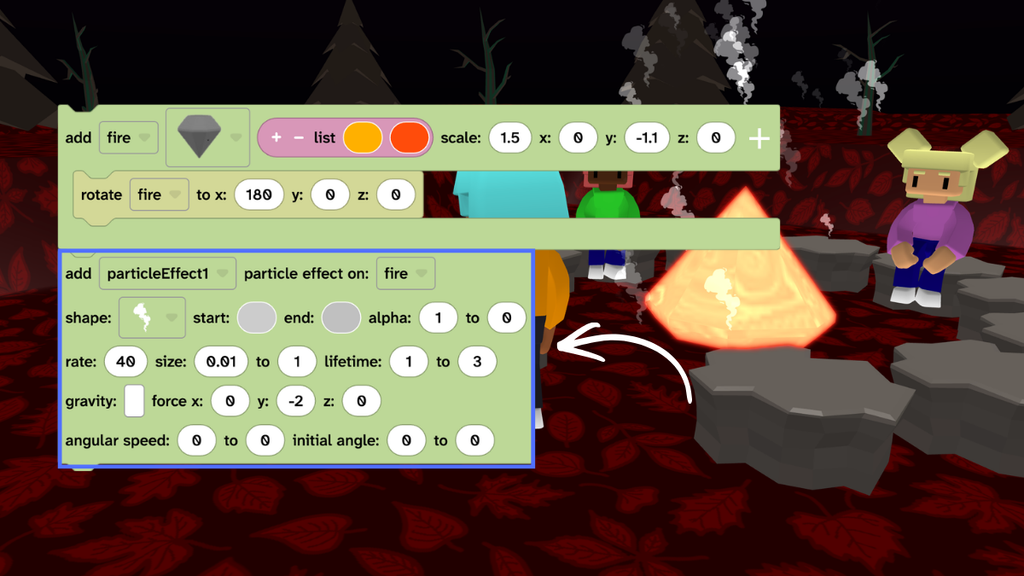
- Find your ‘add fire’ code in the code area.
- From Scene, choose Effects then add an ‘add particle effect‘ block.
- Change the drop down to fire and the y: to -2 so the effects go up.
- Press play to test then experiment with different settings.
Take it further
- Add particle effects to character1 and character2 so they emote their thoughts.
- Change the ground material and colour.
- Try other material effects such as setting the ‘alpha’ to 0.1 or adding a ‘tint’.
Idea gallery